• Setting the Camera Stabilizer Feature
With more sensitivity and faster shutter speeds to brighten up the pictures,
using this feature will prevent blurred images caused by camera shake and
subject motion.
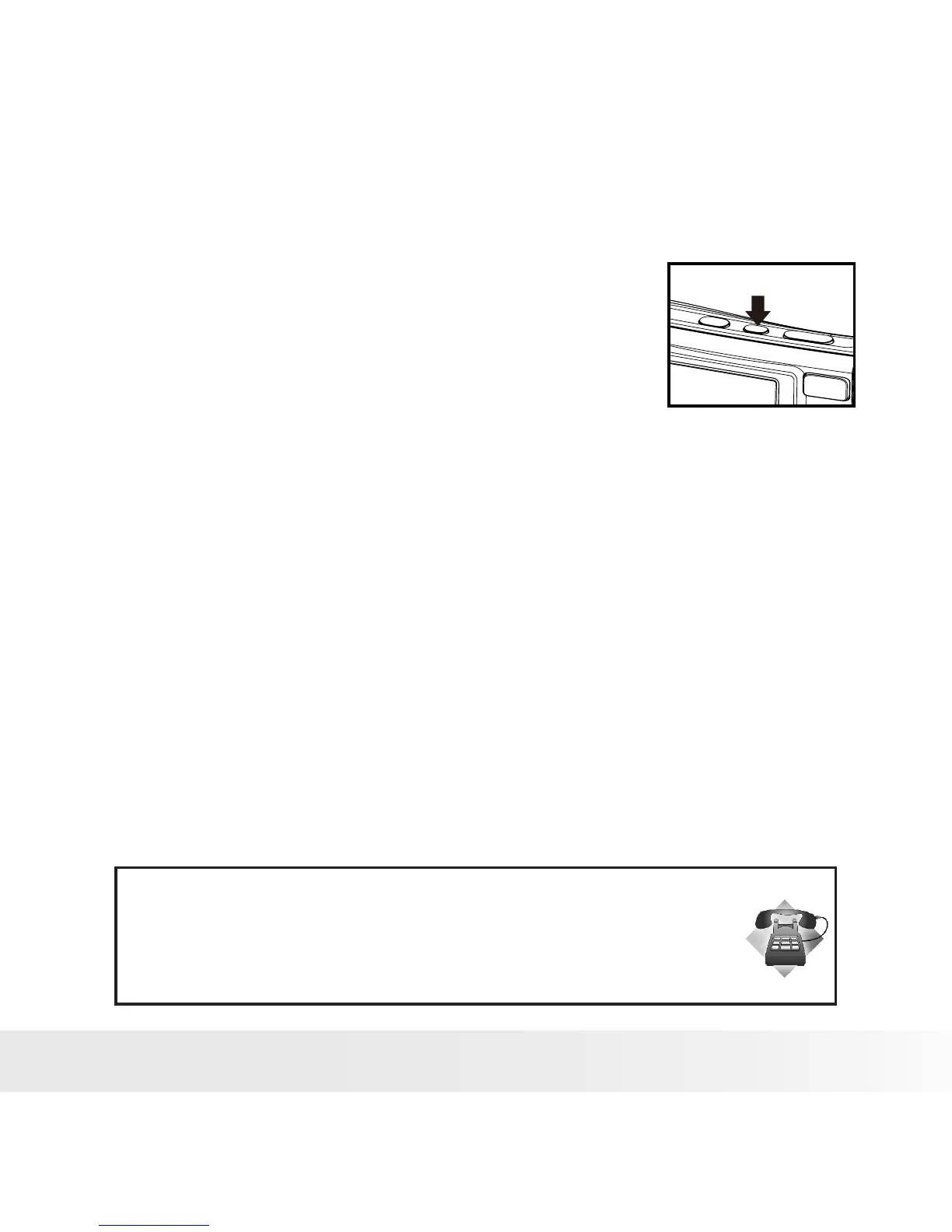
To activate Stabilizer
Press the Stabilizer button on top of
your camera to enable/disable stabilizer.
If Stabilizer is enabled, the stabilizer icon
is displayed on the LCD monitor.
Need help with your digital camera?
Call our customer service help number. Look for the insert with this icon:
Or visit www.polaroid.com.



 To Next Page
 Loading...









