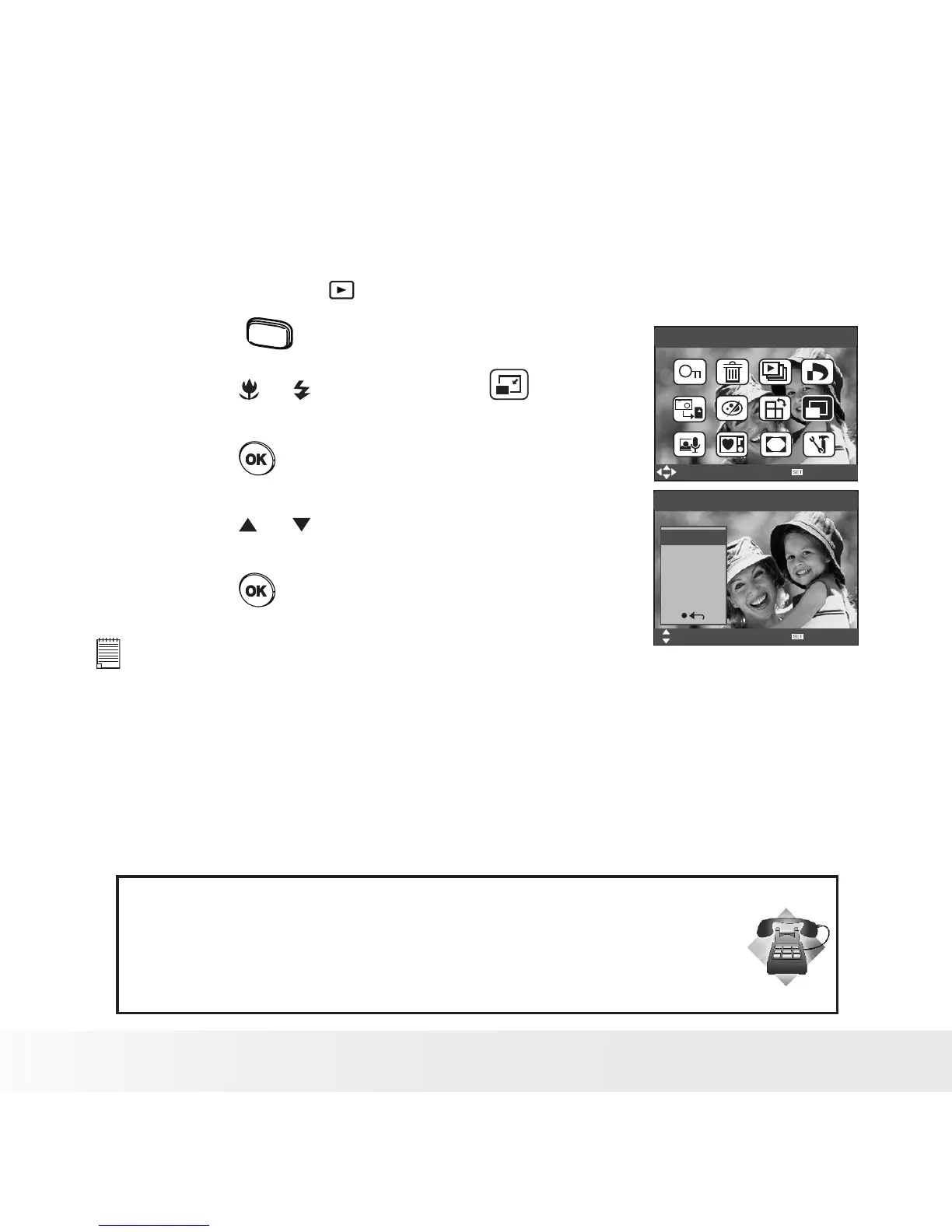
• Changing the Image Size
Resizing a large size image to a smaller one helps to share with families
and friends.
1. Set the camera to PLAYBACK mode.
2. Press the
menu
button.
3. Press the or button to select
(RESIZE).
4. Press the button.
5. Press the or button to select the
desired setting.
6. Press the button.
Resize
Select
OK
Resize
Select
OK
8M
4M
2M
VGA
NOTE:
• The resized image will be saved as a new le name.
• Only a large size image can be resized to a smaller one.
Need help with your digital camera?
Call our customer service help number. Look for the insert with this icon:
Or visit www.polaroid.com.



 To Next Page
 Loading...









