• Setting Smile Capture
This Feature is based on “Face Tracking”. When you use smile capture,
the face tracking feature will automatically turn on.
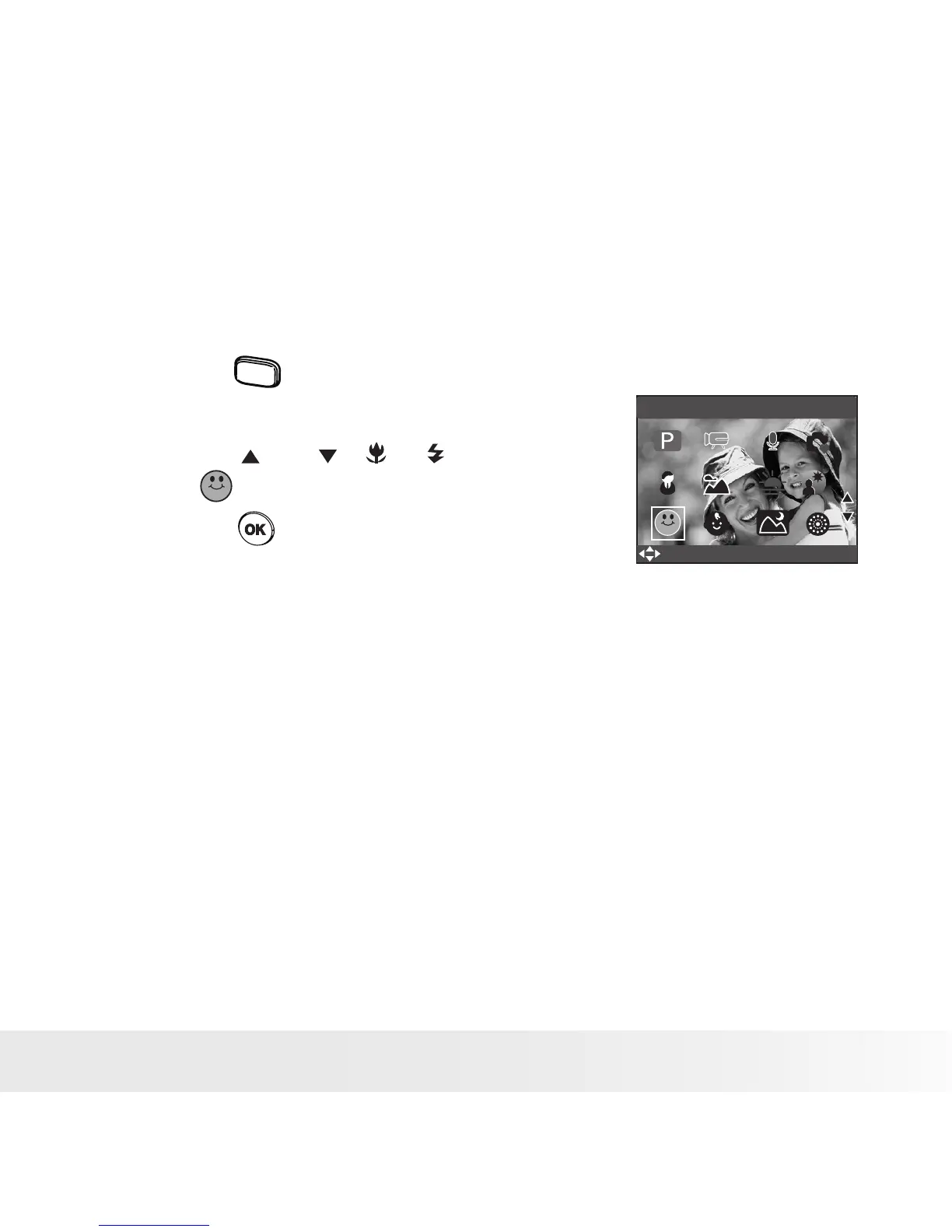
1. Set the camera to Still Image mode.
2. Press the
scene
button to show the scene
shooting mode screen.
3. Press the and , or button to
select (Smile Capture).
4. Press the button.
Smile Capture
SELECT
OK
5. Frame your subject using the LCD
screen.
6. The Camera auto detects faces that are
close to the center of the screen and
displays the AF frames (up to 5 frames).
7. Fully press the shutter button to start the
smile capture feature.
8. The camera will search for smiles on
faces and main AF frames will turn green
when detected.
9. When all detected faces smile, the
camera will take the pictures without
you having to press the shutter button
again.



 To Next Page
 Loading...









