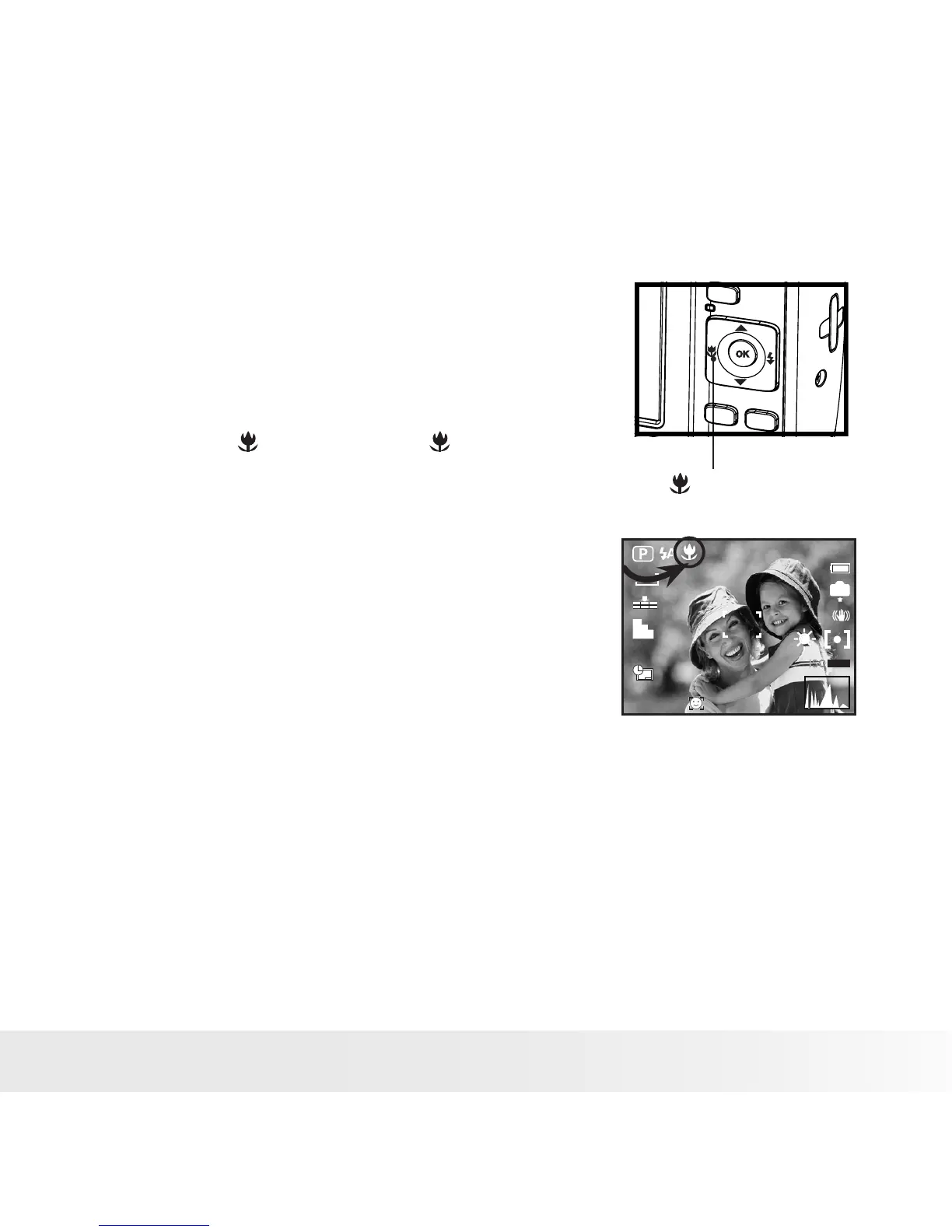
• Taking Pictures in Macro Mode
Use this mode to capture subjects close to the lens:
Wide Angle: 0.5 ~ 3.3 ft (10 cm ~ 1.0 m)
Telephoto: 1.3 ~ 3.3 ft (40 cm ~ 1.0 m)
+0.7EV
1
IN
12M
AUTO
Macro
1. Set the camera to Still Image mode.
2. Press the button and the icon appears
on the LCD screen.
3. Capture procedures are the same as for
taking a picture in the normal capture mode.
See page 33.



 To Next Page
 Loading...









