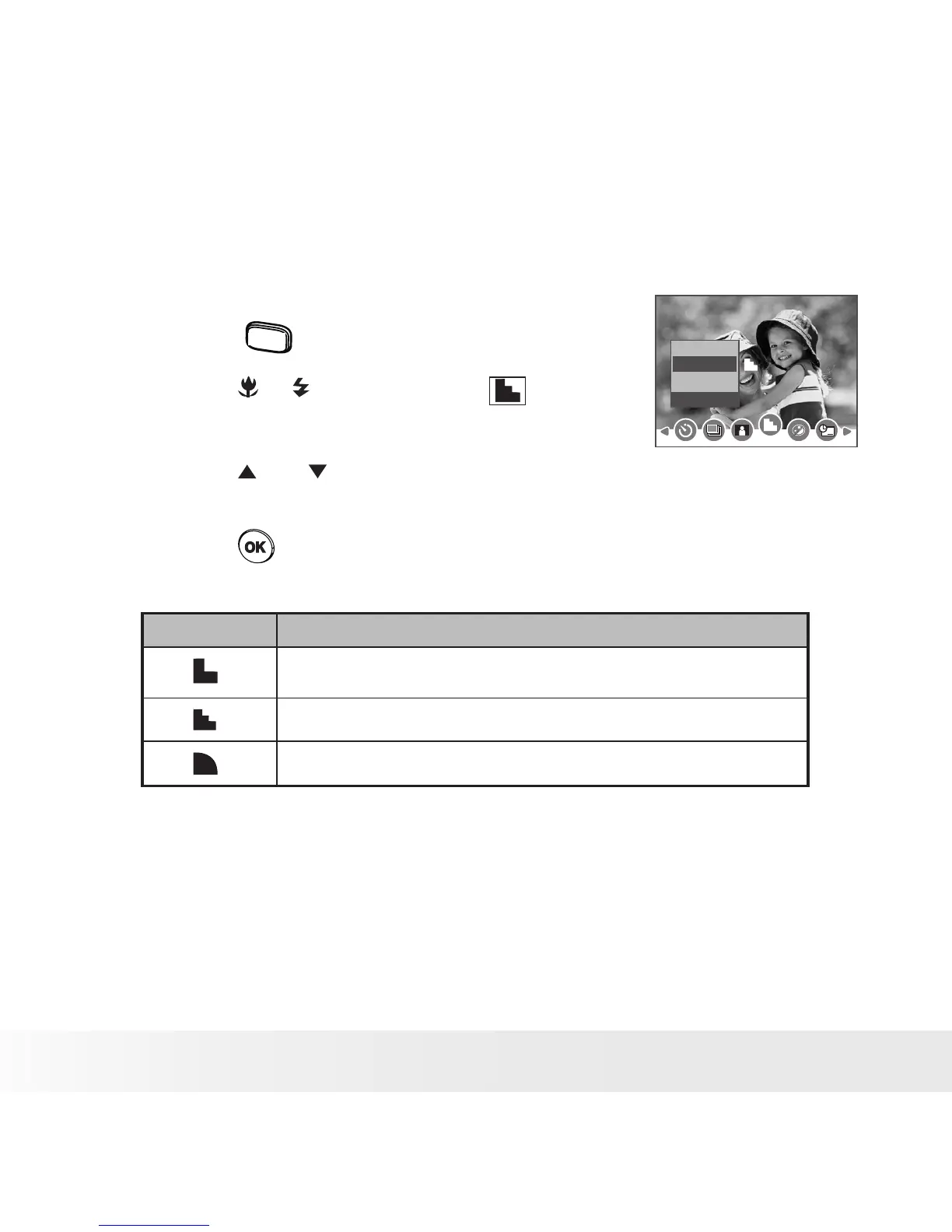
• Setting the Sharpness
Use the sharpness setting to highlight or blend the edges of subjects in
pictures.
1. Set the camera to Still Image mode.
2. Press the
menu
button.
3. Press the or button to select
(Sharpness).
Sharpness
Hard
Normal
Soft
4. Press the and button to select the desired
setting.
5. Press the button.
Option Description
Increases contrast on the edge of the picture. But noise may
occur in the recording image.
The edges of the image are sharp. This is suitable for printing.
Soften the edge of the picture, creating a “soft focus” effect.



 To Next Page
 Loading...









