NOTE:
• There is a 15 second time-out to detect the smiles. If a smile is not detected
after 15 seconds, the camera will not take photos. Should this happen, you
must press the shutter button to disable the featureand press it again to
capture smiles in your image.
• In Smile Capture mode, it will take 6 continuous shots.
• The following functions are not available in Smile Capture mode:
• Drive Mode
• Photo Effect: Negative, Blue, Green
• Highlight
• Photo frame
• Setting Photo Frame
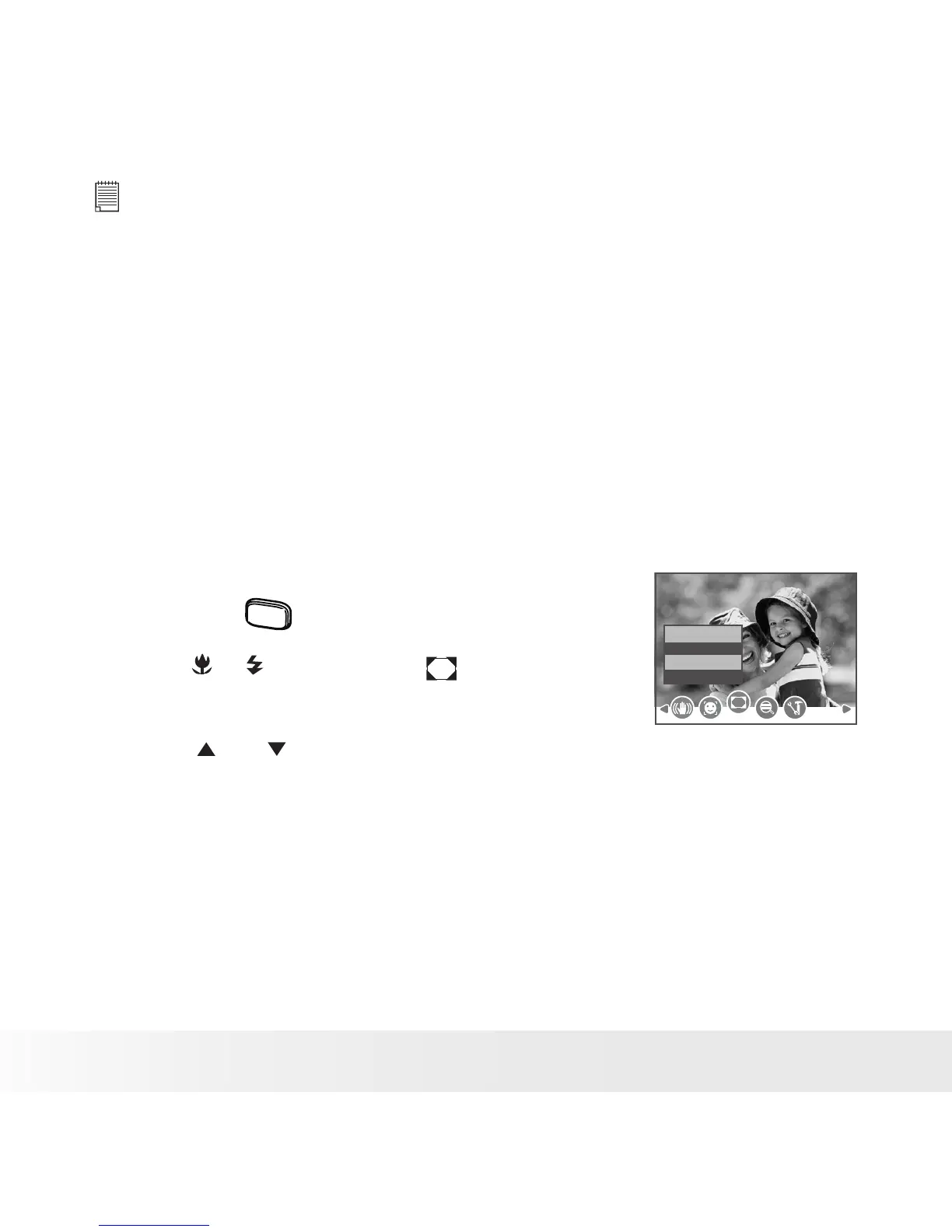
You can add 10 kinds of frames to still images, making them more
interesting.
1. Set the camera to Still Image mode.
2. Press the
menu
button.
3. Press or button to select (Photo
Frame).
Off
Photo Frame
4. Press and button to select the desired
setting.



 To Next Page
 Loading...









