• Using the Q Mode
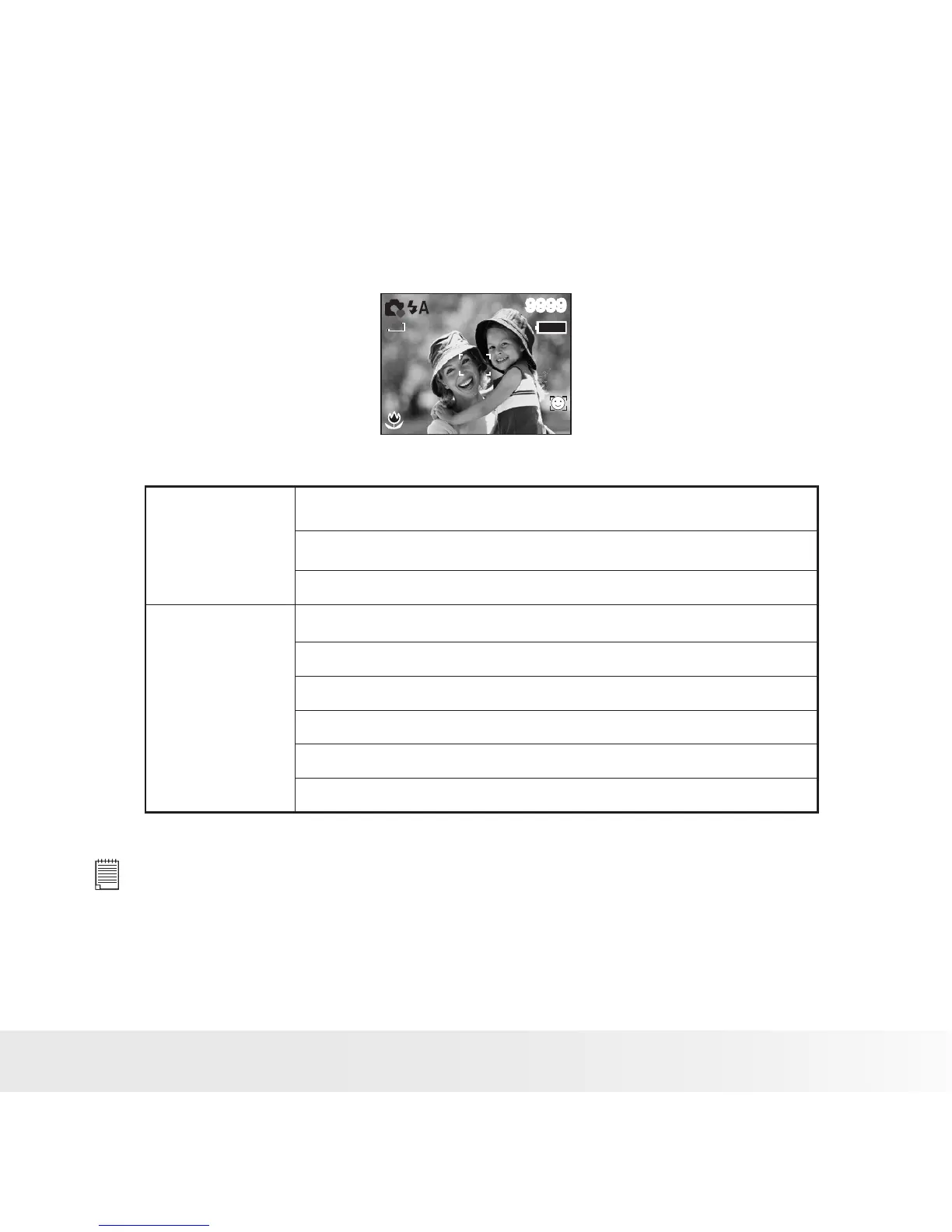
The Q mode provides a simplified camera interface. Larger icons and
fewer controls make it easier to take pictures anytime, especially for the
beginners and first time digital camera users.
9999
1 2 M
You can only use the following basic settings in the Q mode.
Button
Flash: Auto / Red eye / Always on / Slow sync / Off
Macro: Off / On
SET/ DISP: OSD On / Guide Line / OSD Off
Menu
Resolution: 12M / 3:2 / 16:9 / 8M / 4M / 2M / VGA
Drive Mode: Off / 2 sec. / 10 sec. / Double / Burst
Face Tracking: Off / On
Photo Frame: Off
Beep: Off / On
Auto Review: Off / 1sec. / 3 sec. / 5 sec.
NOTE:
• When you rst power on the camera after you purchased it, the camera
will be in Q mode. Follow the operation guides on page 17 or 36 to set the
camera to other capture modes.
• When you power on the camera after resetting to default settings, the camera
will be in Q mode. Follow the operation guides on page 30 to reset to default
settings.



 To Next Page
 Loading...









