• Rotating the Displayed Picture
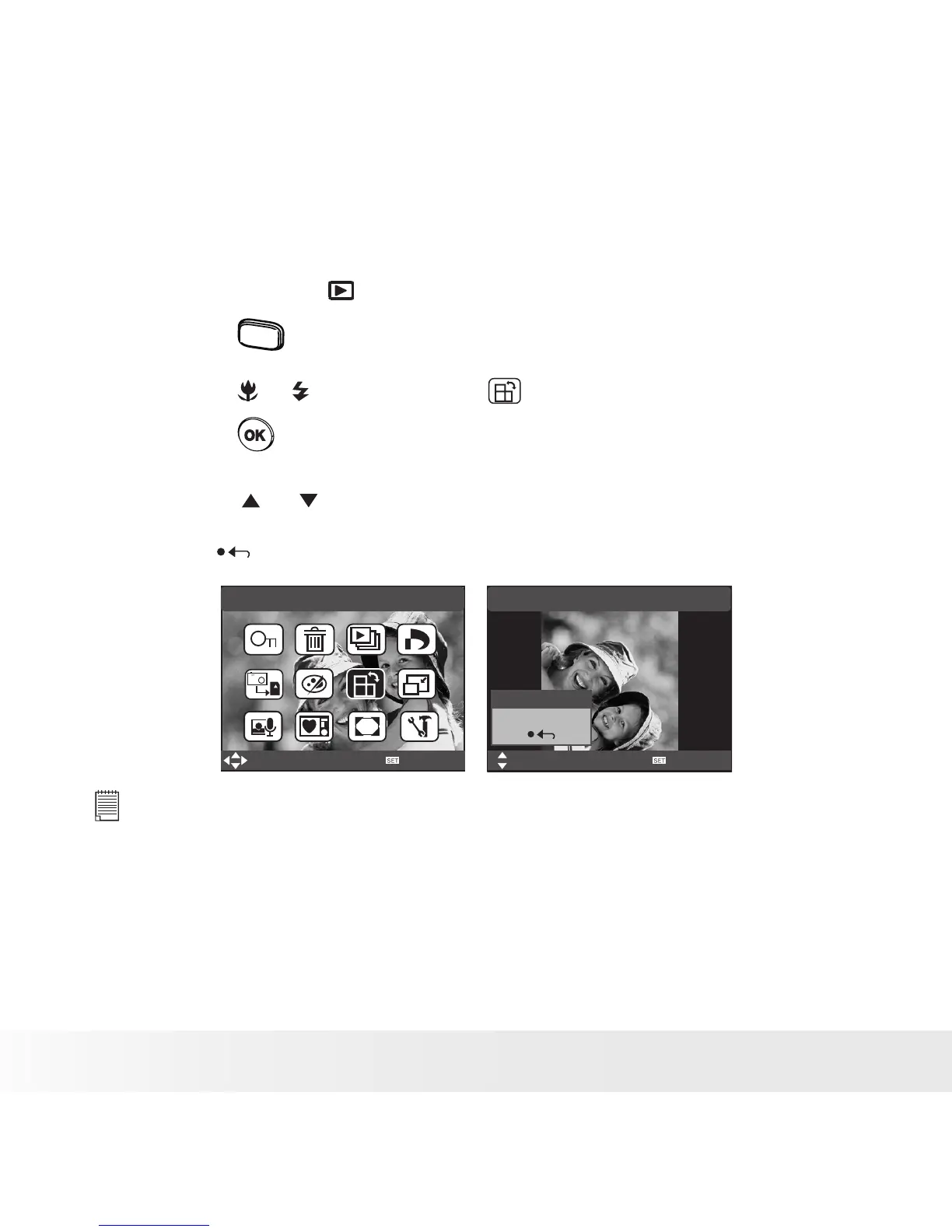
The currently displayed picture can be rotated for a better review angle
on the LCD screen.
1. Set the camera to PLAYBACK mode.
2. Press the
menu
button.
3. Press the or button to select (ROTATE).
4. Press the button.
5. Press the or button to select “Rotate” to rotate the image and
select “Save” to save the rotated image.
6. Select “ ” to return without rotating.
Rotate
Select
OK
Rotate
Save
Rotate
Select
OK
NOTE:
• The rotated image will be saved and the original le will be deleted.



 To Next Page
 Loading...









