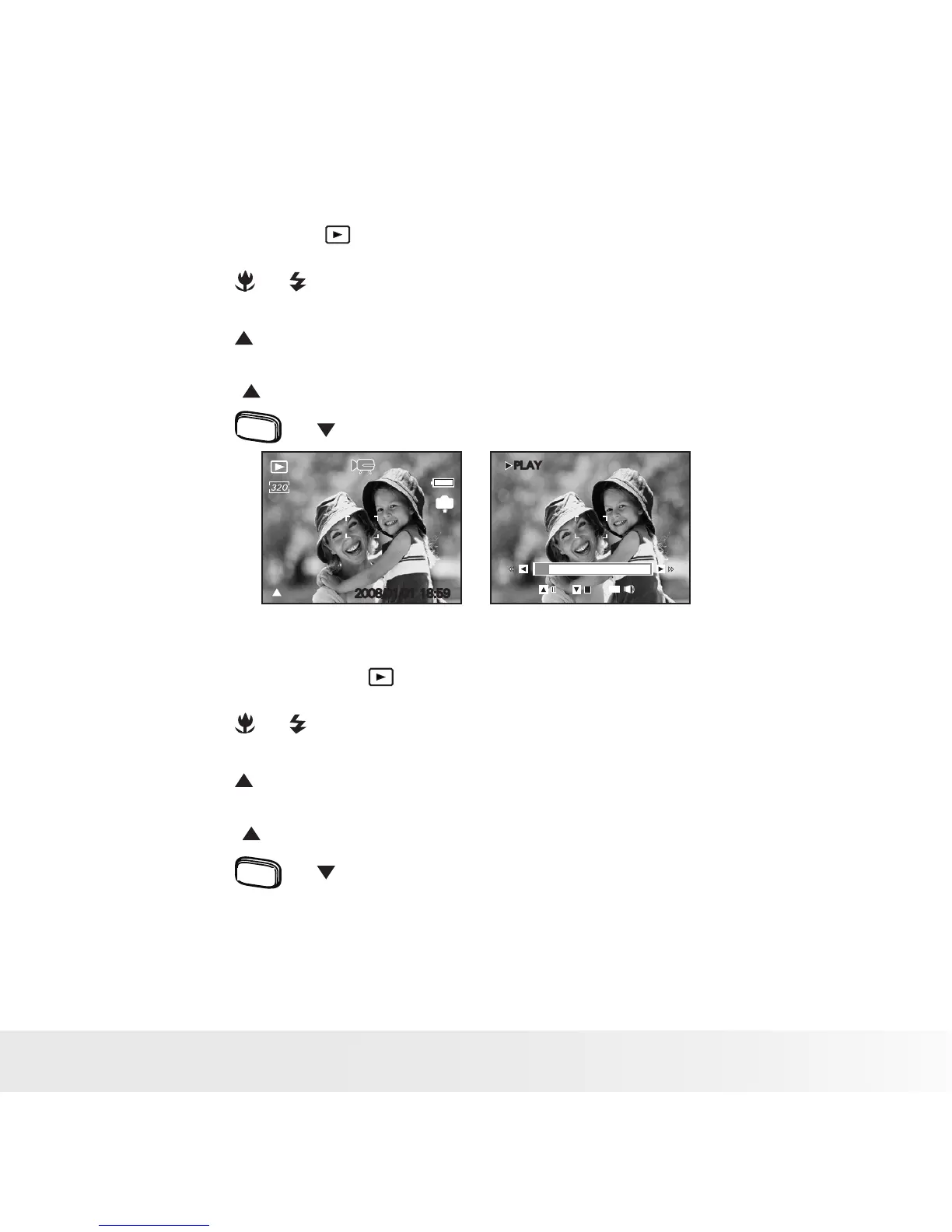
• Playing a Video Clip on LCD Screen
1. Set the camera to Playback mode.
2. Press the or buttons to select the desired video clip.
3. Press the button to start playing the video clip.
4. Press the button again to pause.
5. Press the
menu
or button to stop the video clip.
00:01:30
PLAY
00:01:30
IN
:Play
2008/01/01 18:59
WT
• Playing Audio Clips
1. Set the camera to the Playback mode.
2. Press the or buttons to select the desired audio clip.
3. Press the button to start playing the audio clip.
4. Press the button again to pause.
5. Press the
menu
or button to stop playing.



 To Next Page
 Loading...









