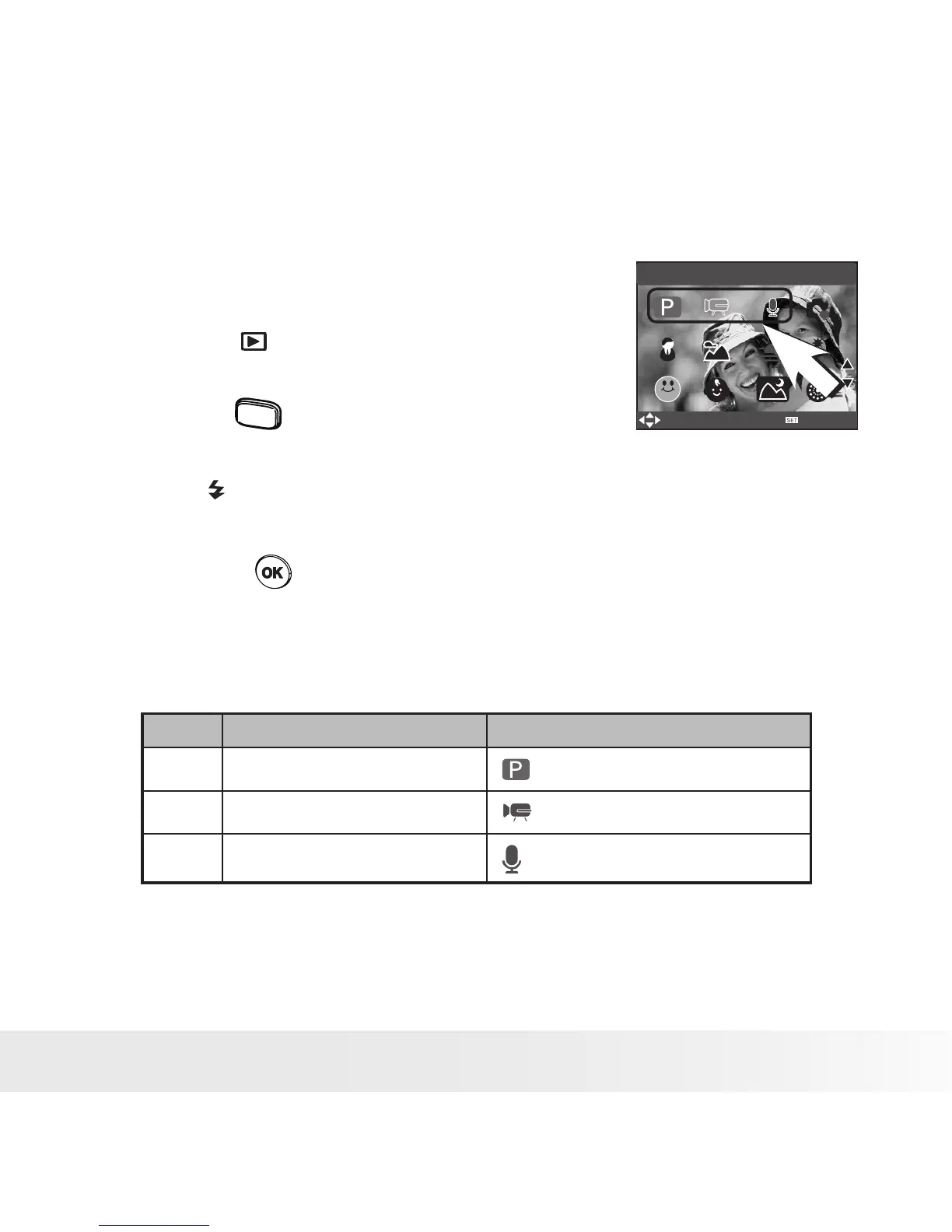
• Capture Modes
The camera has three modes for recording: still images, video clips and
audio clips.
Selecting these three modes as follows:
PROGRAM
SELECT
OK
1. Press the button to set the camera to
capture mode.
2. Press the
scene
button to access the scene
mode palette.
3. Press button to select the desired
setting.
4. Press the button to confirm your
choice.
No. Description Icon
1 Still Image Mode
2 Video Mode
3 Audio Mode



 To Next Page
 Loading...









