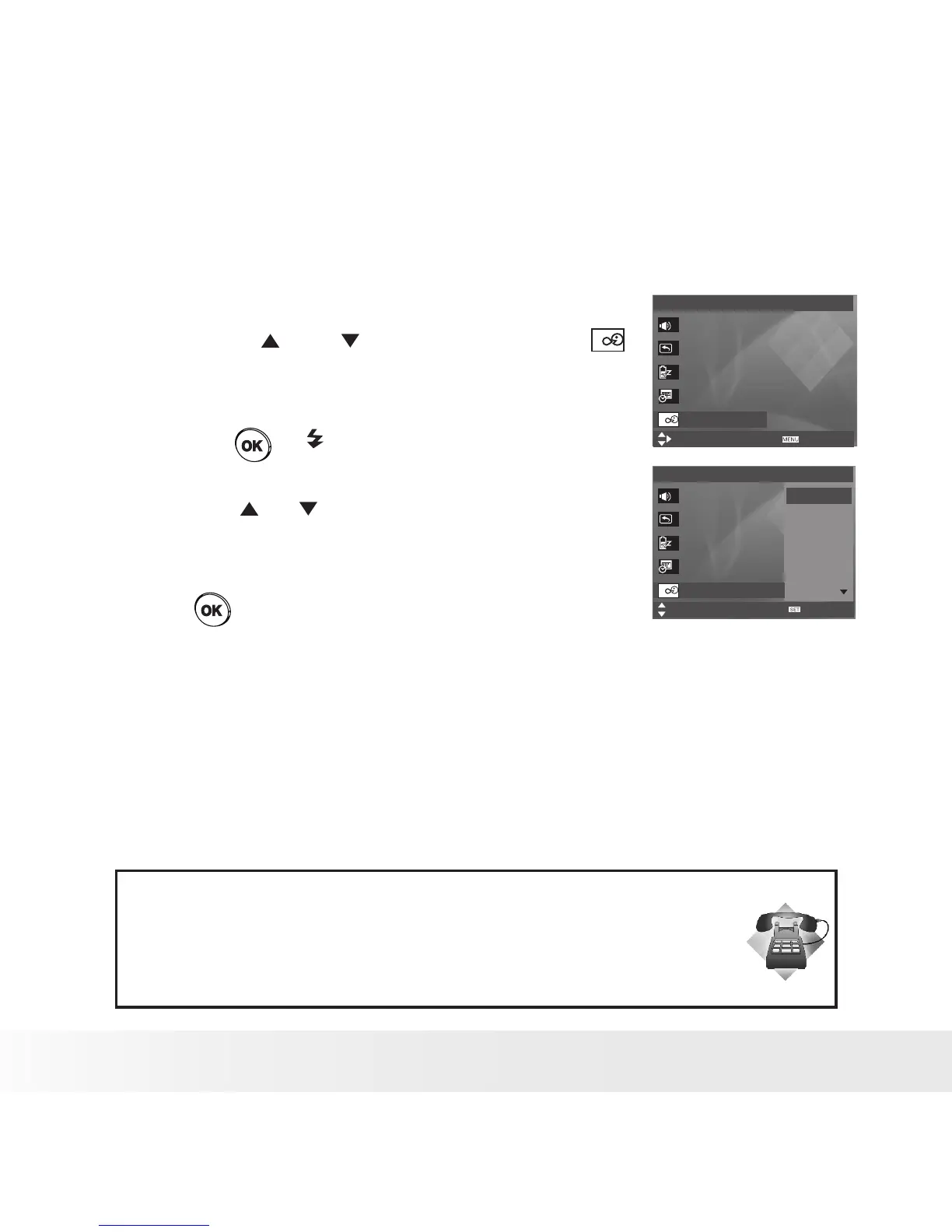
• Setting the Display Language
Under this setting, you can select the language you prefer for the LCD
screen.
1. Access the setup menu.
2. Press the or button to select
(Language).
3. Press the or button.
4. Press the or button to select the desired
setting.
5. Press button.
Setup Menu 1/3
Select
Sounds
Auto Review
Power Save
Date & Time
Language
OK
English
Español
Deutsch
Français
Italiano
Setup Menu 1/3
Select
Exit
Sounds
Auto Review 3 sec.
Power Save 1 min.
Date & Time
Language English
Need help with your digital camera?
Call our customer service help number. Look for the insert with this icon:
Or visit www.polaroid.com.



 To Next Page
 Loading...









