47
General Operation
Turning the unit On or Off
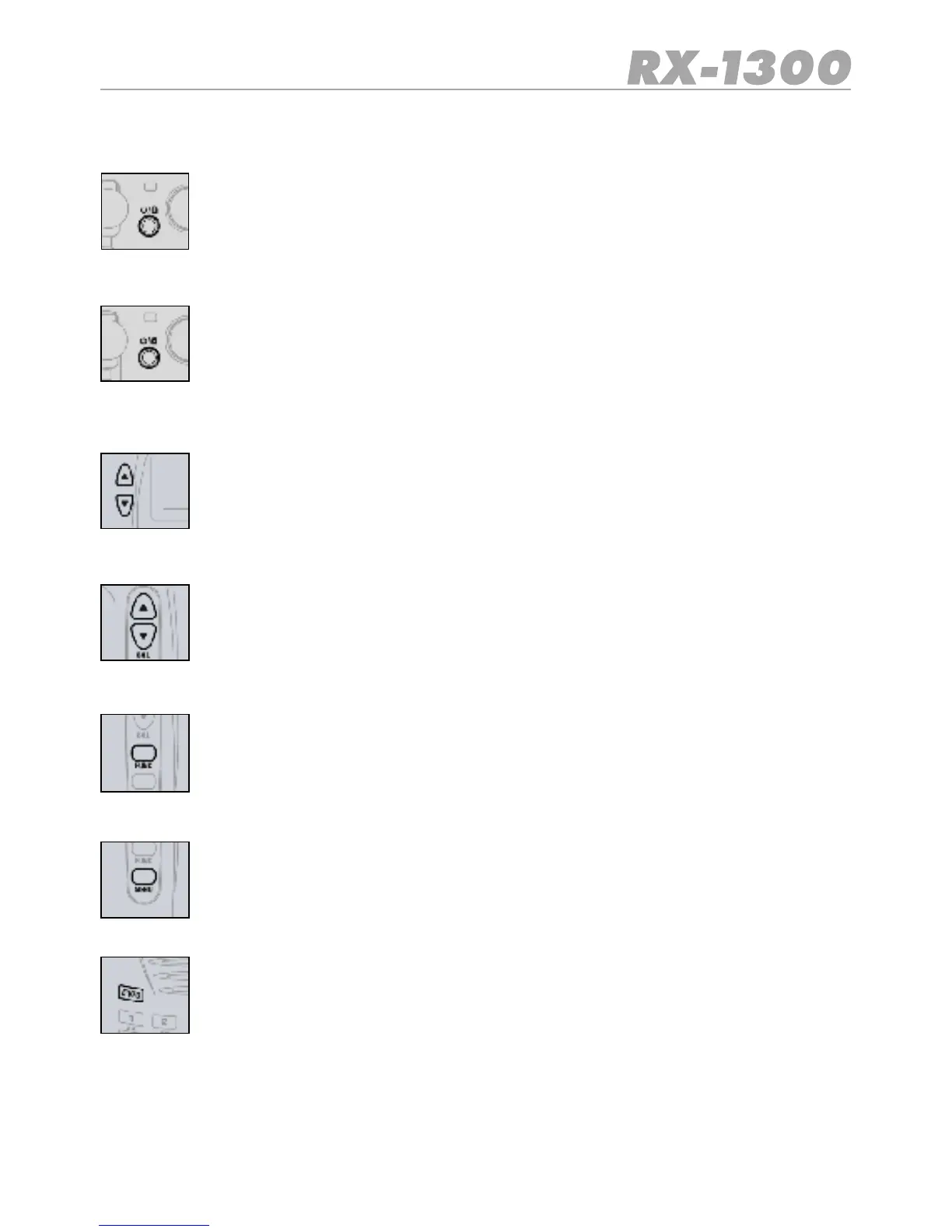
Press and hold the RED Button on the top of the unit to turn the unit ON.
Press and hold the RED Button again to turn the unit OFF.
KEY Lock
BrieypresstheREDButtononthetopoftheunittoturntheKeyLockON.
BrieypresstheREDButtonagaintoturntheKeyLockOFFagain.
Volume
Press the ▲ key to increase the volume.
Press the ▼ key to decrease the volume.
The volume level will be displayed from 00 to 31.
Squelch
Press the ▲ key on the side of the radio to increase the Squelch setting and the
▼ key on to decrease the Squelch setting. The Squelch level will be displayed
from 00 to 09. At maximum Squelch setting, ‘AT’ is selected which represents
an automatic (preset) level setting.
Func Key
The Function key provides access to secondary functions associated with the
front panel keys. The secondary function labels are printed below their respec-
tive keys.
Menu Key
The Menu key provides access to the radio settings. The settings menus will
vary depending on which mode the receiver is in.
E/VFO Key [Enter/VFO]
Press the E/VFO key to select the VFO mode. Frequencies can now be entered
directly from the Keyboard. Press the E/VFO key to Enter (accept) the selected
frequency.
Note:
The receiver always selects the VFO mode each time it turned on.


 To Next Page