2 - 1
2
Using the Basic Features of Your
Phone
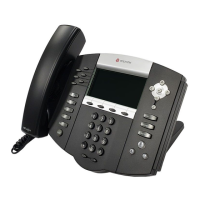
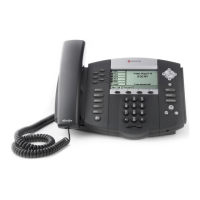
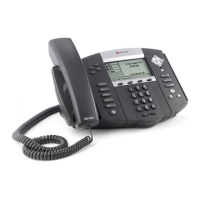
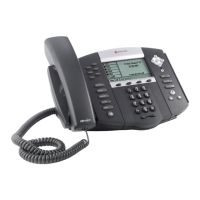
Your Polycom® SoundPoint IP 650 desktop phone is designed to be used like
a regular phone on a public switched telephone network (PSTN). You call
place a call, transfer a call to someone else, or conduct a conference call.
At any time, at most one active call may be in progress on your phone. The
active call is the one that has audio associated with it. There may be multiple
other calls on hold in an “Incoming call” or “Ringing” state.
This chapter provides basic operating instructions for the SoundPoint IP 650
phone. The topics include:
• Placing Calls
• Answering Calls
• Ending Calls
• Redialing Numbers
• Placing Calls on Hold
• Hosting Conference Calls
• Transferring Calls
• Forwarding Calls
• Enabling Do Not Disturb
• Assigning Speed Dial Keys
• Using Voice Mail
• Locking and Unlocking the Phone
• Logging Into Phones



 To Next Page


