Getting Started with Polycom Trio
™
Topics:
• Product Overview of Polycom Trio
• Navigating Polycom Trio
▪ Enter Information Using the Onscreen Keyboard
Before you use your phone, take a few moments to familiarize yourself with its features and user
interface.
Note: As you read this guide, keep in mind that certain features are configurable by your system
administrator or determined by your network environment. As a result, some features may not be
enabled or may operate differently on your device. Additionally, the examples and graphics in this
guide may not directly reflect what is displayed or is available on your device screen.
Product Overview of Polycom Trio
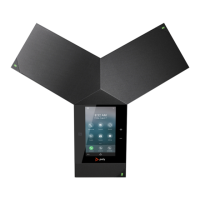
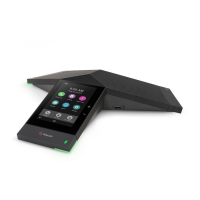
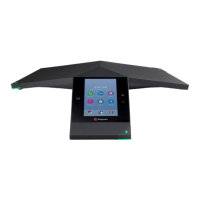
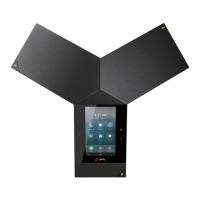
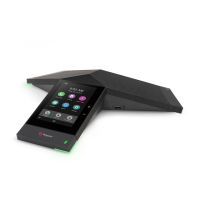
The Polycom Trio Solution supports audio-only conference calls with Open-SIP voice platforms along with
point-to-point, bridge, and video calls.
The following are the features available on Polycom Trio 8500 and Polycom Trio 8800 systems.
Polycom Trio 8500 Features and Capabilities
The Polycom Trio 8500 system supports the following features:
• Placing, answering, and managing audio calls
• Initiating, joining, and managing audio conference calls
• Recording audio calls
• Viewing and joining scheduled Calendar meetings
• Managing contacts, call lists, and directories
• Adjusting call and system settings
• Pairing with Bluetooth-enabled devices
• Connecting USB devices
• Checking voicemail messages
• Sharing content during video calls
• Placing, answering, and managing video calls
• Connecting to a wireless network
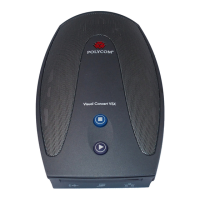
• Pairing with the Polycom Trio Visual+ content and video accessory
Polycom Trio 8800 Features and Capabilities
The Polycom Trio 8800 system supports the following features:
• Placing, answering, and managing audio calls
Smart Choice Communications | (800) 217-3096 | www.smartchoiceus.com | techsupport@smartchoiceus.com
© 2019 Smart Choice Communications, LLC



 To Next Page