3-17
3 First Steps
Shift the
workplate
To have more legroom when working on the system, you can shift the work
plate up to 12 cm forwards. To do so, proceed as follows:
CAUTION!
Risk of tilting caused by mishandling!
When folded out the screen loads the workplate one-sided and the work plate
can tilt.
» Fold in the screen before unfixing the locking hooks and moving the
workplate.
CAUTION!
Crushing hazard caused by careless handling!
During folding in the screen there is danger of crushing your fingers.
» Hold the screen on each side and fold it in slowly.
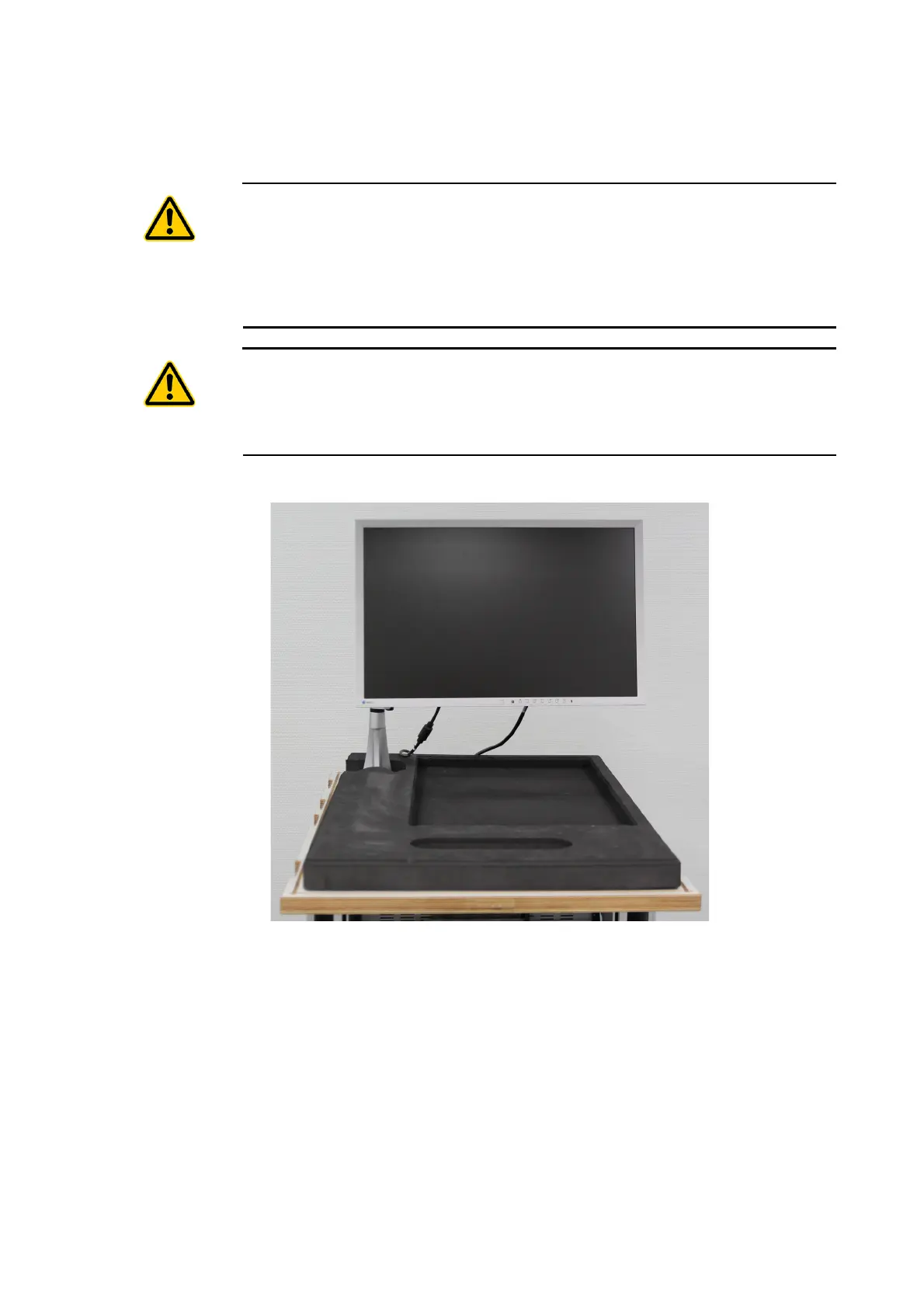
1. Remove the foam material from the cover and put it on the work plate.
Figure 3.13: Foam material on the work plate
2. Rotate the screen by 90° to the right.



 To Next Page