Troubleshooting
RUBY-9715VG2AR User’s Manual 5-7
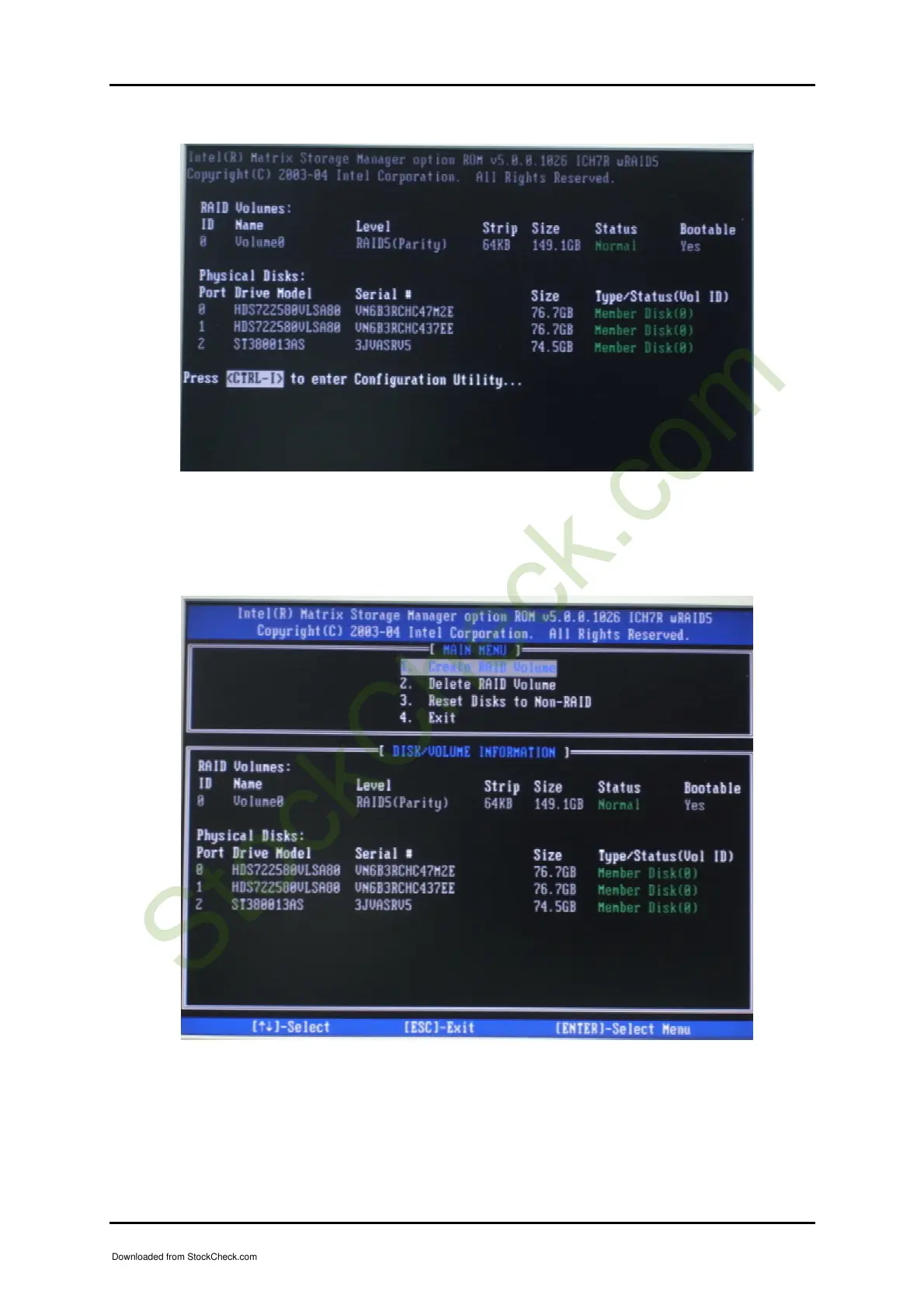
After entering RAID Configuration Utility, you will be able to Create, Delete, and
Rest RAID Volume. Besides, RAID 0, 1, 0-1, and 5 can also be configured here as
well.
After configuring RAID, make sure you have RAID driver diskette ready before
starting to install your operating system. As for RAID driver diskette, please kindly
check Portwell Driver CD. Besides, to install RAID driver from disk, “F6” must be
pressed as soon as system boots up from Windows XP installation CD.
Downloaded from StockCheck.com














 To Next Page