Troubleshooting
RUBY-9715VG2AR User’s Manual 5-12
Symptom: There is neither no beeps nor screen output.
Solution: Indeed, you can do the stand-alone to identify the root cause by isolating
the board from other possible system devices such as PCI device,
backplane, and so on. If system still cannot boot up, please fill out RMA
which is provides on Portwell website, and then send back to Portwell as a
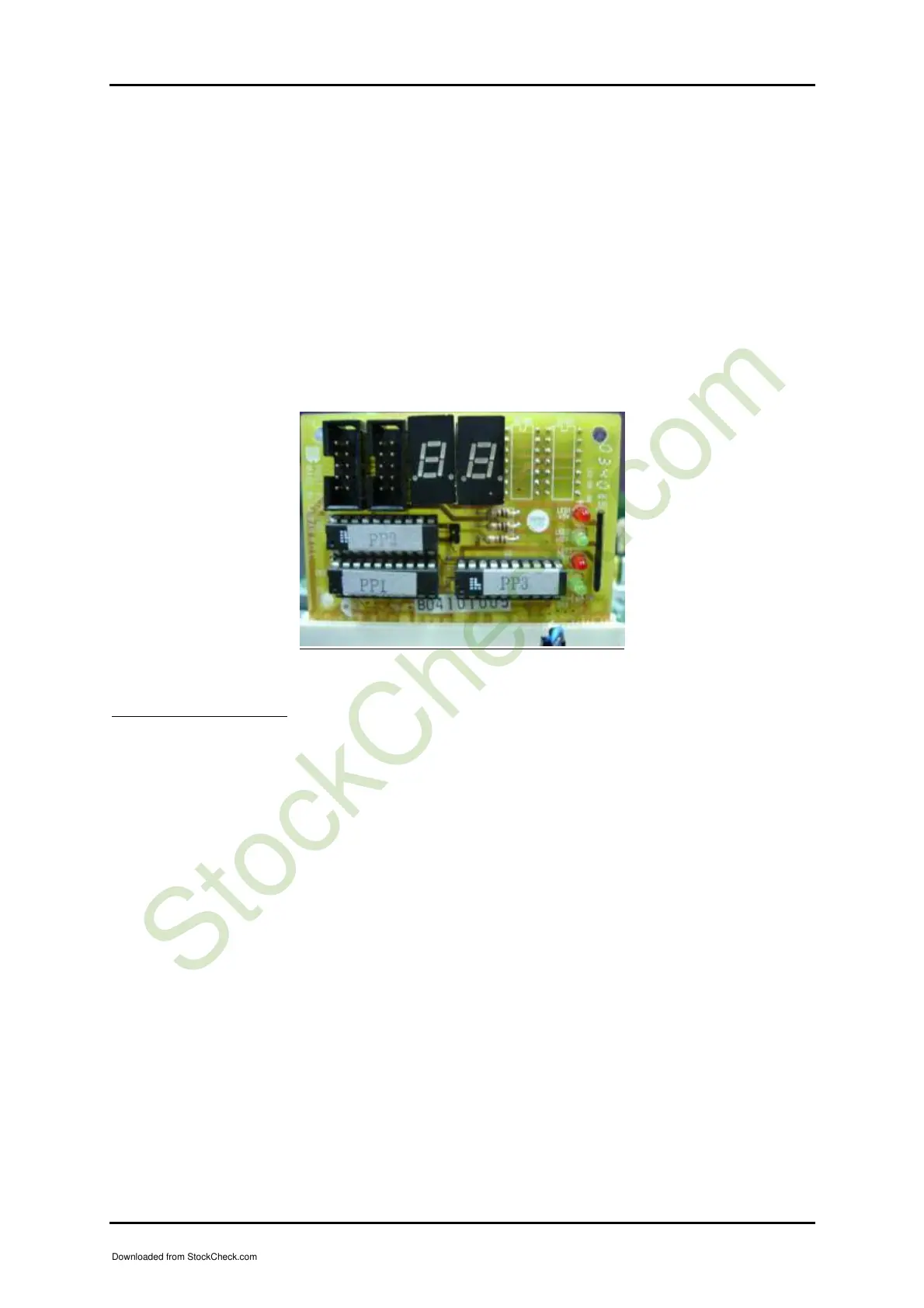
RMA. Besides, you can also use debug card or port 80 card to find out
what’s wrong with your computer board. As you see in following picture,
there are two LED, which are used to indicate the error happening during
the boot sequence. As for more detail information about indication of error
code, please kindly contact us.
Installation Problem
Question: After done with installation of SATA hard disk device, why does
system bios show nothing on screen?
Answer: As matter of fact, you need to access system BIOS to enable SATA device.
(Please refer to SATA hard disk device installation guide)
Question: I am using an ATA-66 (or 100) hard drive, how can I know that ATA-66
function is enabled?
Answer: You need to use the 80-pin ATA-66 IDE flat cable to have this function.
During the Post stage, you can see ATA-66 (or 100) message while hard
drive is being detected. Besides, after successfully installing Microsoft
series OS, you also need to install ATA-66/100 driver to active ATA-66/100
function.
Downloaded from StockCheck.com














 To Next Page