Page 23 of 80 Instruction Manual for AURORA CDD BCG.00613_AA
Part 3 Mounting and Configuration
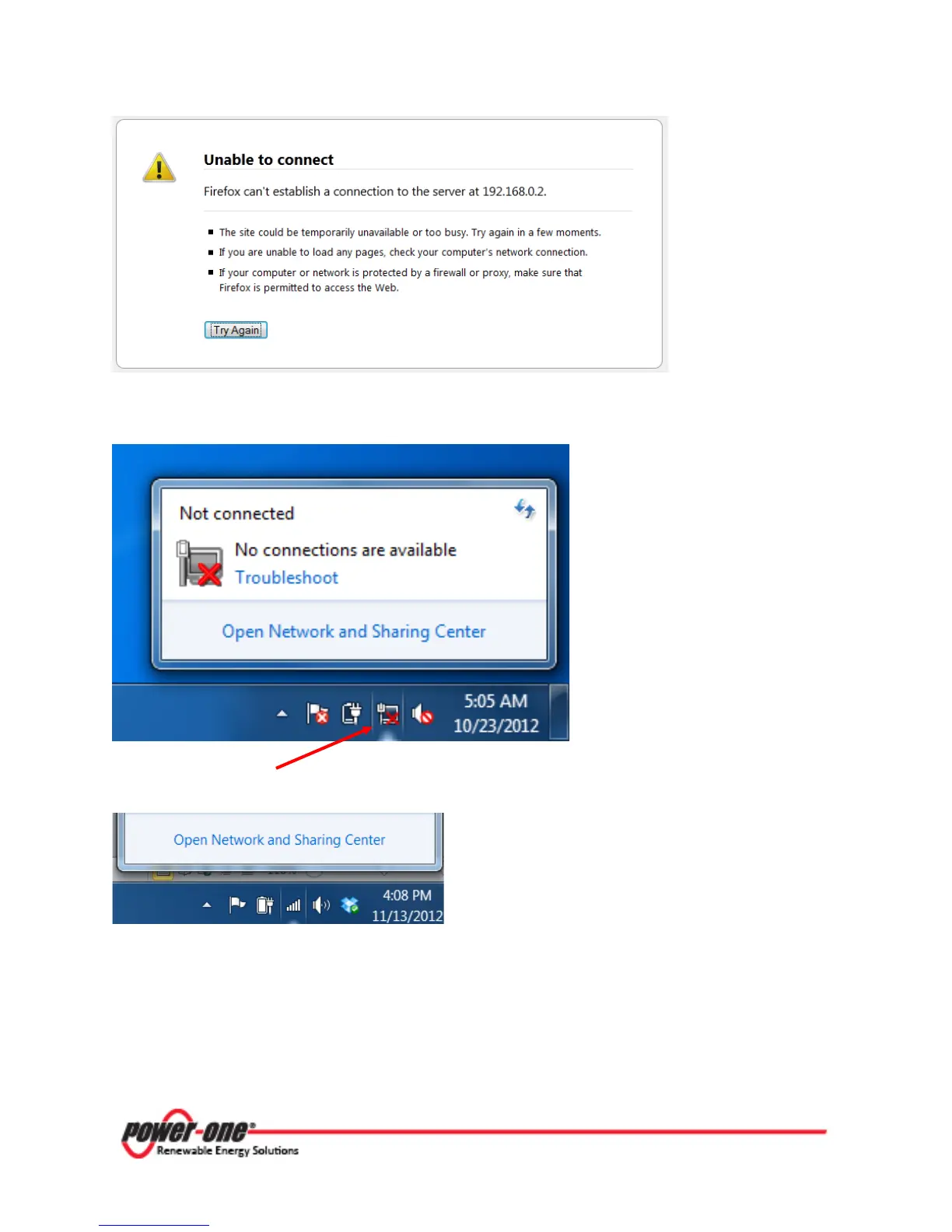
The Computer cannot connect to the CDD as it is not connected to any network and therefore
cannot find an IP address. You will need to use the following procedure to connect:
Click on the Internet icon in the computer system tray. When the window launches, select Open
Network and Sharing Center.
You can also click on the Start button, choose Control Panel and locate Network and Sharing
Center. Click on the icon to open Network and Sharing Center and follow the instructions below:









 To Next Page