Page 32 of 80 Instruction Manual for AURORA CDD BCG.00613_AA
Part 3 Mounting and Configuration
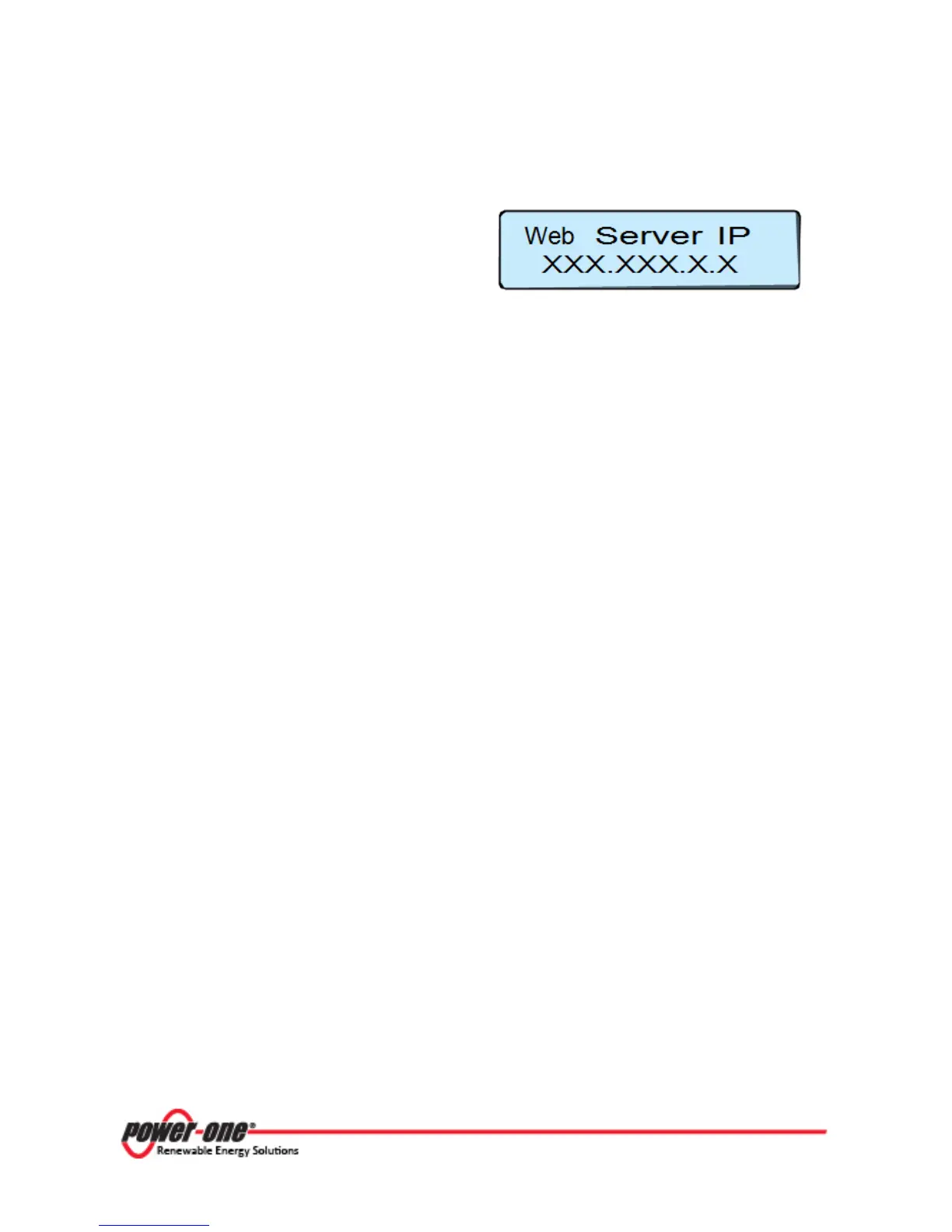
3.4.3.1 IP Address View
With the CDD connected to the network it is
possible to view the IP address assigned to the
device.
Press ESC from the main menu and use the UP
and DOWN buttons to locate the Web Server IP
address.
The IP address that is displayed will be used in Operations, Part 4, to connect to the CDD.









 To Next Page