Page 52 of 80 Instruction Manual for AURORA CDD BCG.00613_AA
Part 4 Operations Guide
4.4.3 CONFIG MENU
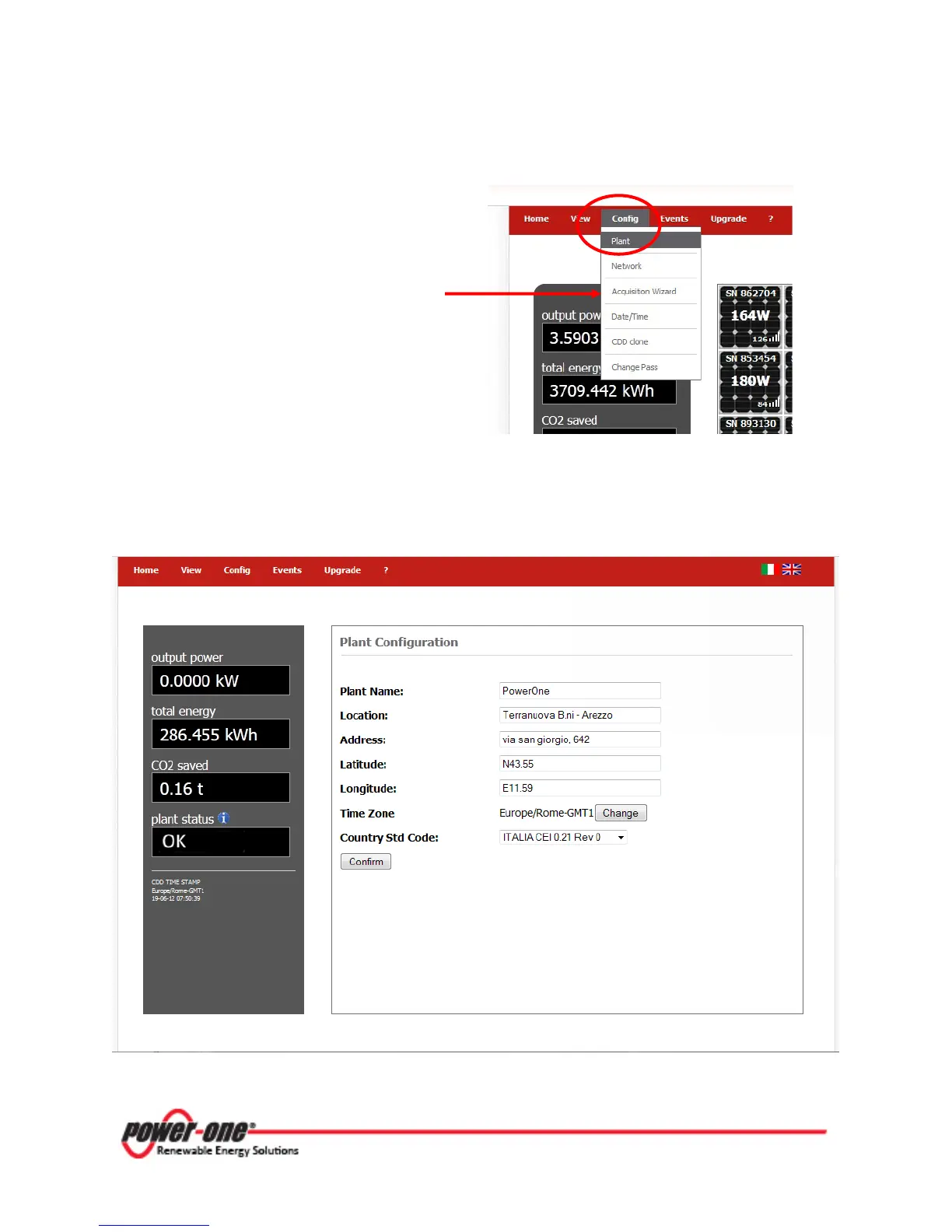
Config
on the menu bar gives access to
five drop-down menus. Click on PLANT.
(Selection of the option
Acquisition Wizard
from the Config menu
is
described in section
4.2.2 above, and enables the CDD to acquire the
MICRO Inverters.)
Selecting Plant displays the Plant Configuration page which provides data on the position of the
system, including plant and location name, address, latitude, longitude, time zone, and country
standard.









 To Next Page