UPS Maintenance
59
Powerware
®
9125 User’s Guide (2500–3000 VA) : Rev B www.powerware.com
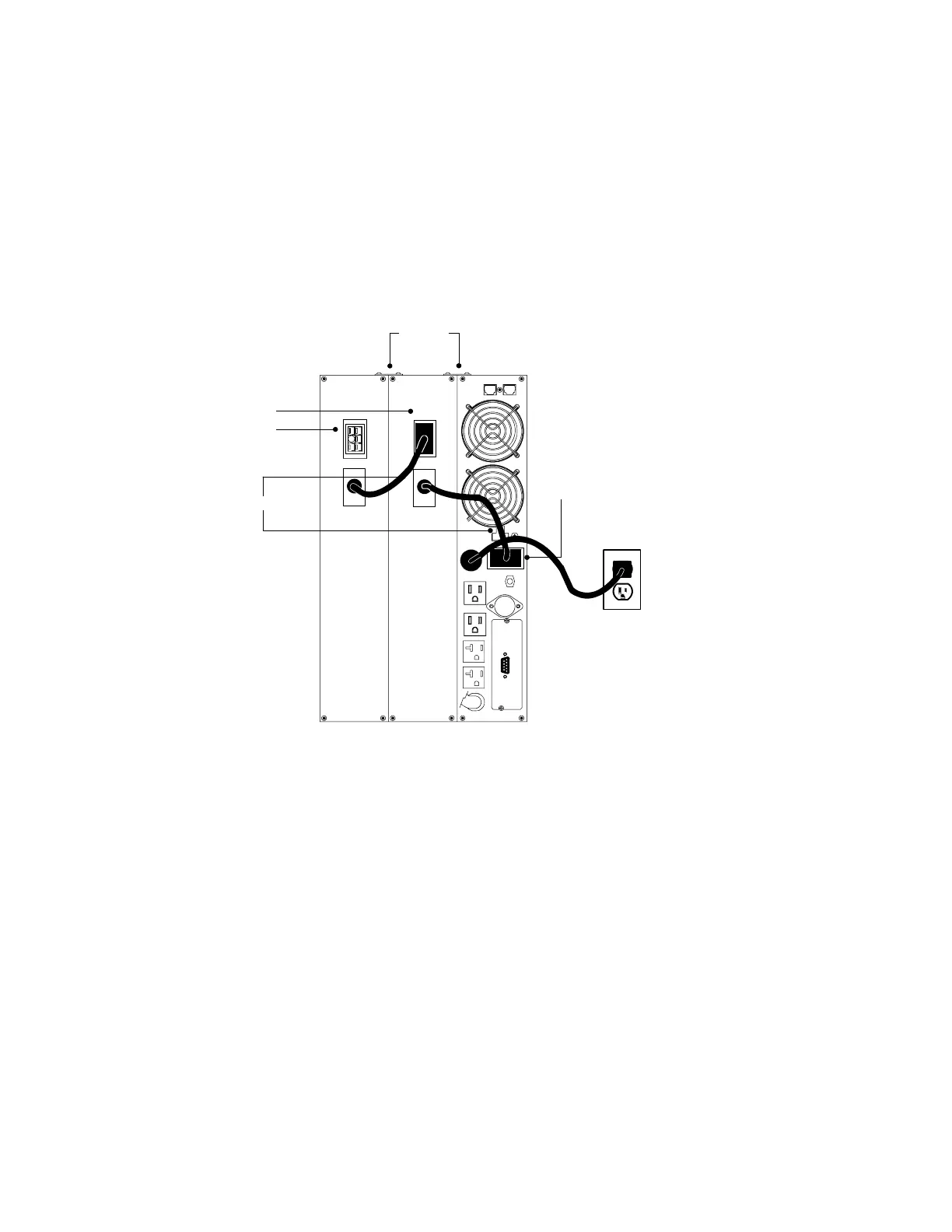
8. Plug the new EBM into the UPS as shown in Figure 38.
For 230V models, remove the cover from the EBM cable and
plug the new EBM into the UPS.
9. For additional EBMs, plug the EBM cable into the battery
connector on the adjacent EBM.
For 230V models, remove the EBM battery connector cover.
Remove the cover from the EBM cable of the second cabinet
and plug the EBM cable into the battery connector on the first
EBM. Attach the fixed cover plate to the EBM cable.
UPS Battery Connector
EBM Battery
Connectors
EBM
Brackets
EBM Cables
Figure 38. EBM Connections (120V Model Shown)












 To Next Page