Additional UPS Features
52
Powerware
®
9125 User’s Guide (2500–3000 VA) : Rev B www.powerware.com
Single-Port Card
To establish communication between the UPS and a computer, connect
your computer to the UPS communication port using the supplied
communication cable.
When the communication cable is installed, power management
software can exchange data with the UPS. The software polls the UPS for
detailed information on the status of the power environment. If a power
emergency occurs, the software initiates the saving of all data and an
orderly shutdown of the equipment.
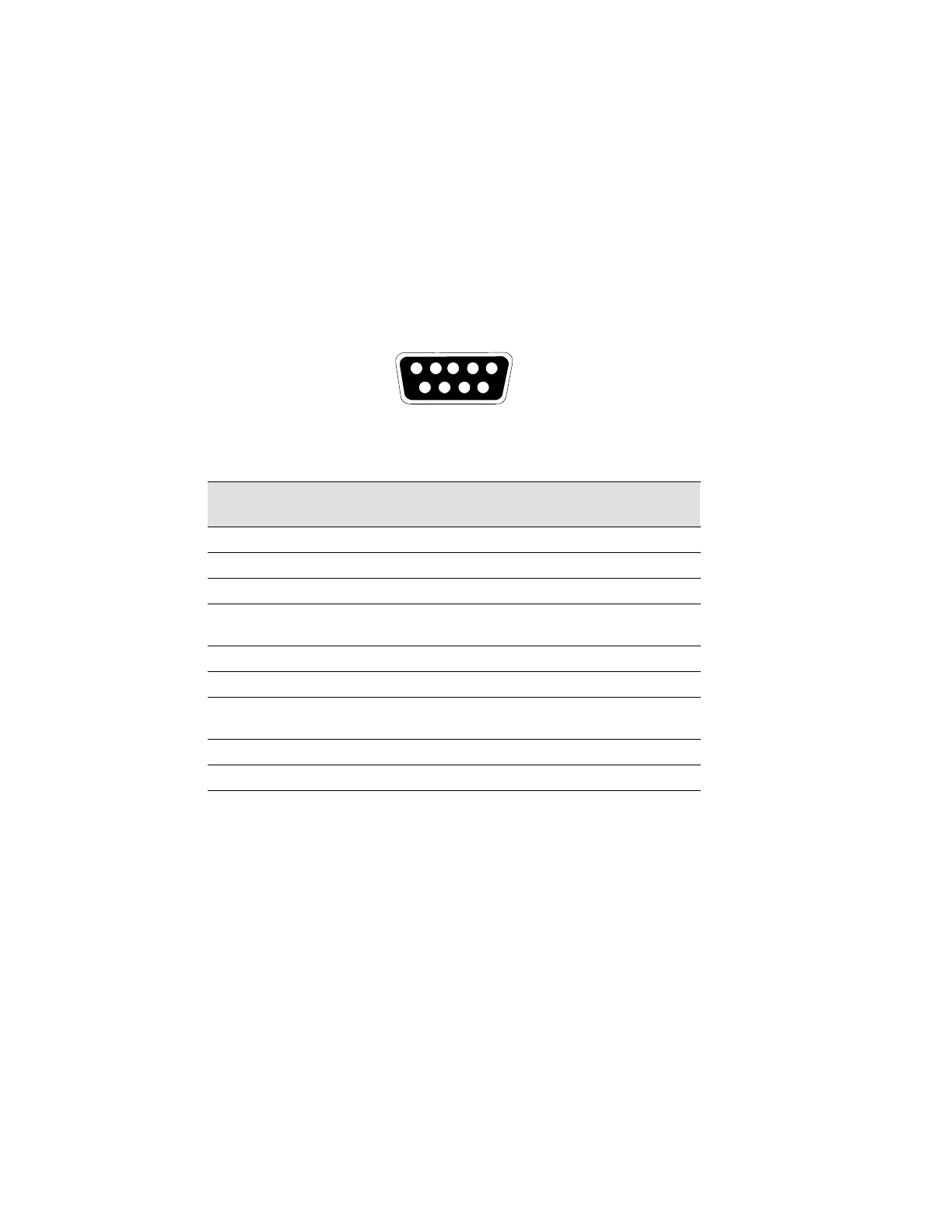
The cable pins are identified in Figure 32 and the pin functions are
described in Table 3.
3
87
9
1
6
245
Figure 32. Communication Port
Table 3. Communication Port Pin Assignment
Pin
Number
Signal Name Function Direction
from the UPS
1 Low Batt Low Battery relay contact Out
2 RxD Transmit to external device Out
3 TxD Receive from external device In
4 DTR PnP (Plug and Play) from external device
(tied to Pin 6)
In
5 GND Signal common (tied to chassis) —
6 DSR To external device (tied to Pin 4) Out
7 RTS PnP from external device (default) or
On Bypass relay contact (jumper-selectable)
In / Out
8 AC Fail AC Fail relay contact Out
9 Power Source +V (8 to 24 volts DC power) Out












 To Next Page