Installation
23
Powerware
®
9125 User’s Guide (2500–3000 VA) : Rev B www.powerware.com
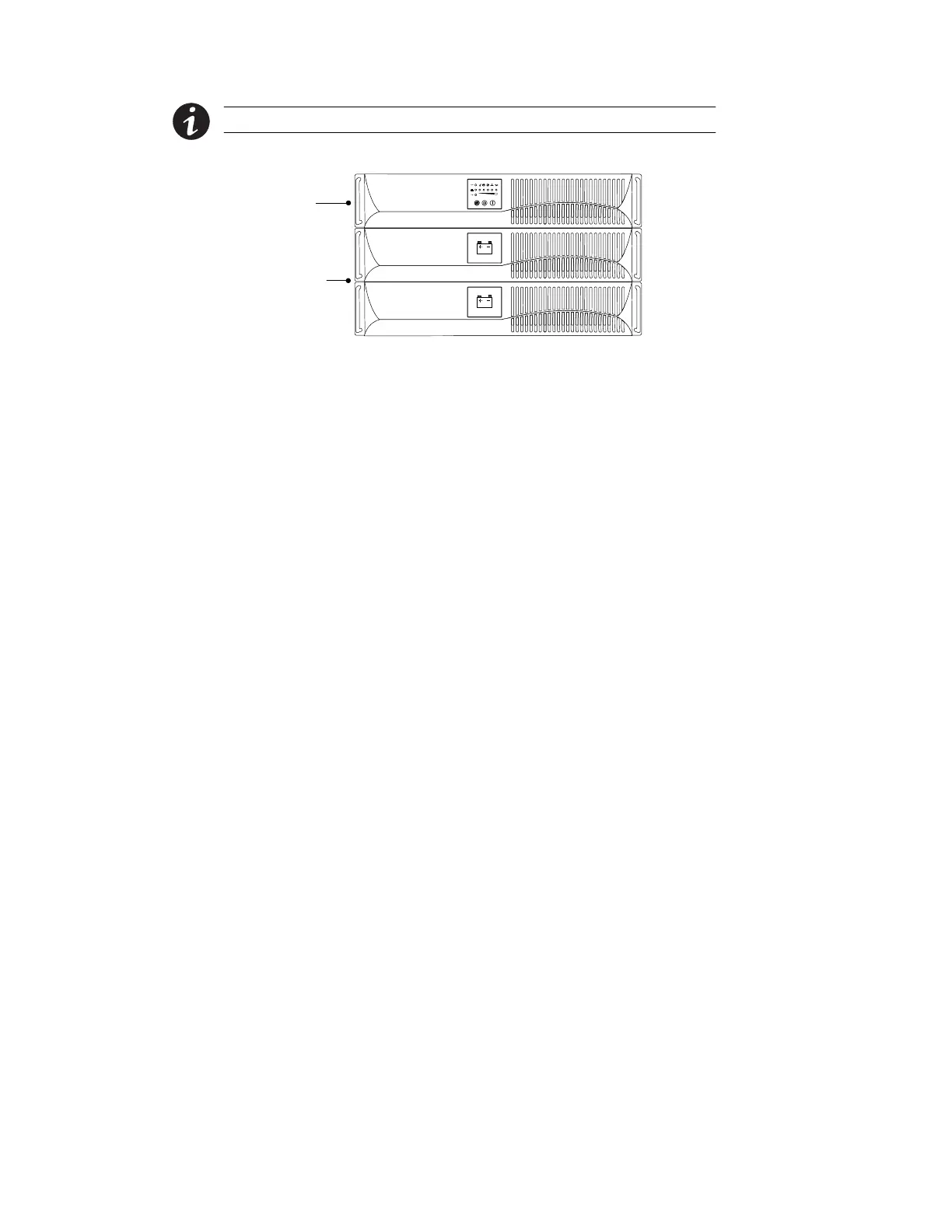
NOTE The EBMs must be installed below the UPS as shown in Figure 3.
5. Slide the UPS and any optional EBMs into the rack.
UPS
Optional
EBMs
Figure 3. Rack-Mount UPS with EBMs
6. If installing optional EBMs, continue to “EBM Installation” on
page 27. Otherwise, continue to “Plug-Receptacle UPS
Installation” on page 30 or “Hardwired UPS Installation” on
page 32 to complete the installation.
Tower Setup
The UPS and any optional EBMs must be stabilized with pedestals
and/or EBM brackets. The tower setup varies depending on the number
of cabinets you are installing:
1.
For one cabinet, both sets of pedestals must be installed.
Complete Steps 2 through 4.
For two cabinets, the pedestals and the EBM brackets must be
installed. Skip to Step 5.
For three or more cabinets, skip to Step 8 to install the EBM
brackets.
2. Place the UPS cabinet horizontally so that the left end of the
unit is accessible (see Figure 4).
3. Position the pedestals over the end of the UPS cabinet so that
the weight of the unit is evenly distributed. Secure the pedestals
with the screws provided in the accessory kit.












 To Next Page