9 | Chapter 1 : DVR User Manual
1.3.2 `System Shutdown and change password
Unplug the power cable from the back of the unit to power off the DVR.
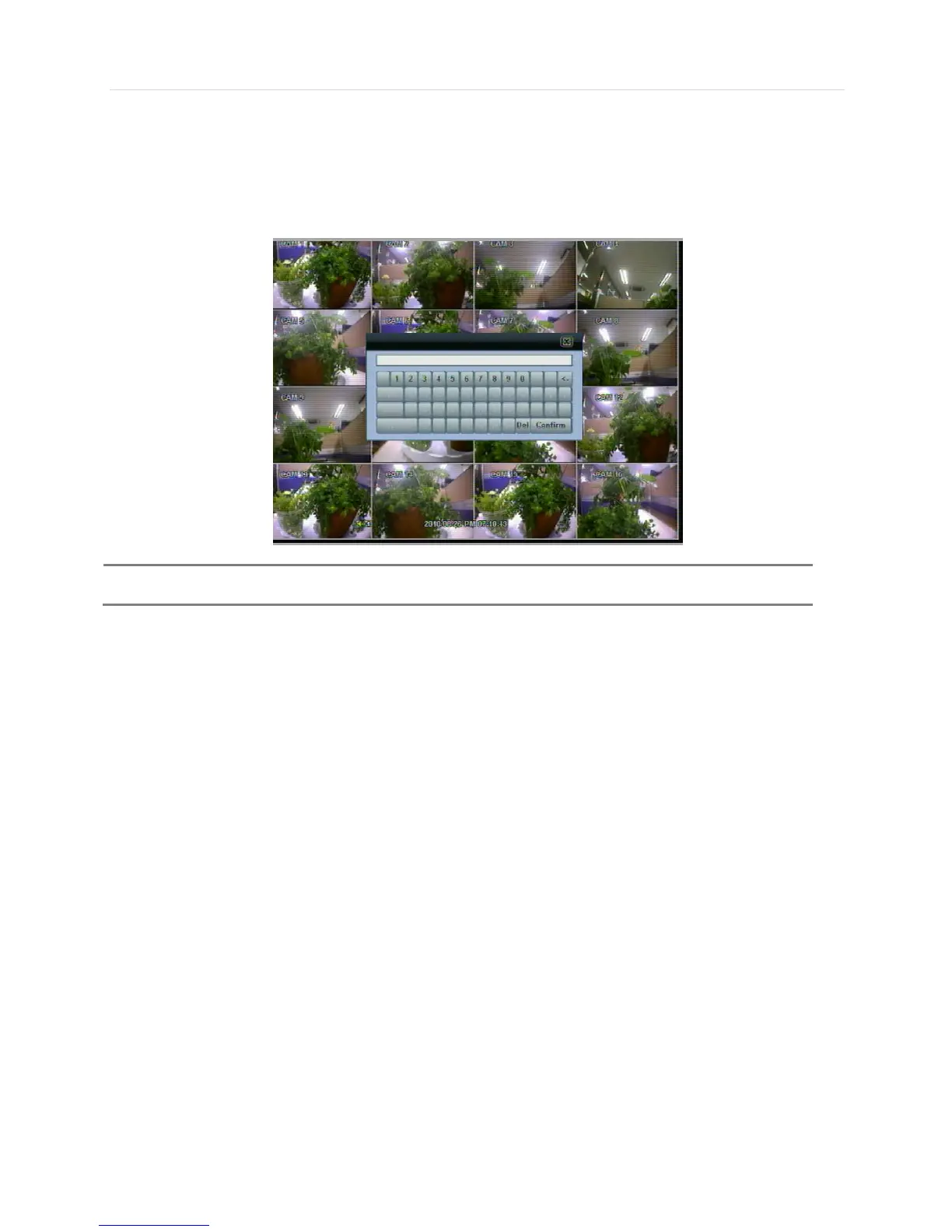
The default password for ‘admin’ account is none. Therefore, just click ‘Enter’ button on the dial pad. If you changed the
password for ‘admin’ account, please type in the changed password to login.



 To Next Page