25 | Chapter 1 : DVR User Manual
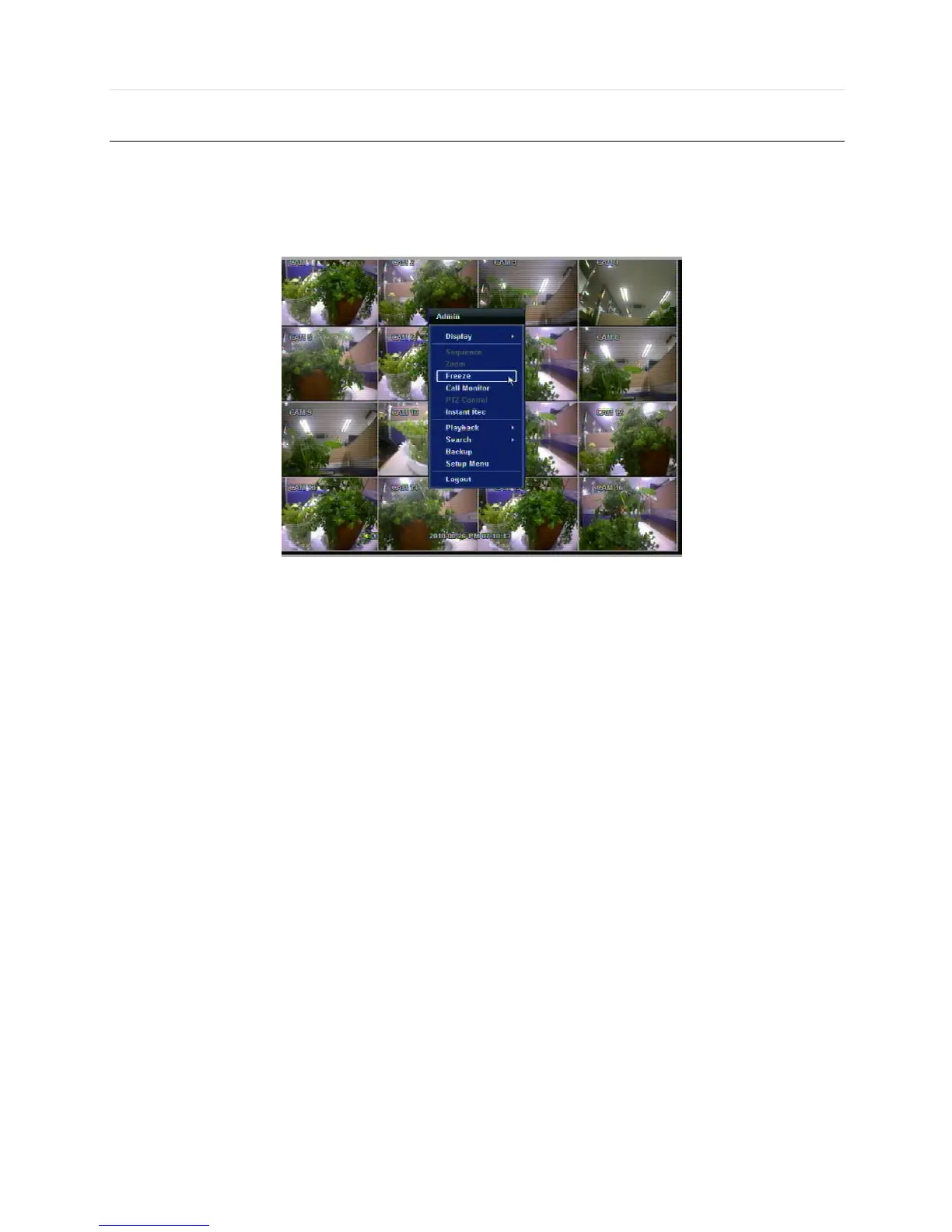
3.4 Freeze Mode
Press FREEZE button on the front panel, or click the right button on the mouse and select the Freeze mode while viewing a
live image. In the Freeze mode, the image pauses; the date/ time information does not; and the system clock continues
running. Press FREEZE to pause the live view. To resume the live view, press FREEZE again, or click the right button on the
mouse and select the FREEZE again.



 To Next Page