19 | Chapter 1 : DVR User Manual
3.2 Live Display Mode
3.2.1 Channel Selection
Real-time live image can be seen by easy button operation after power-on.
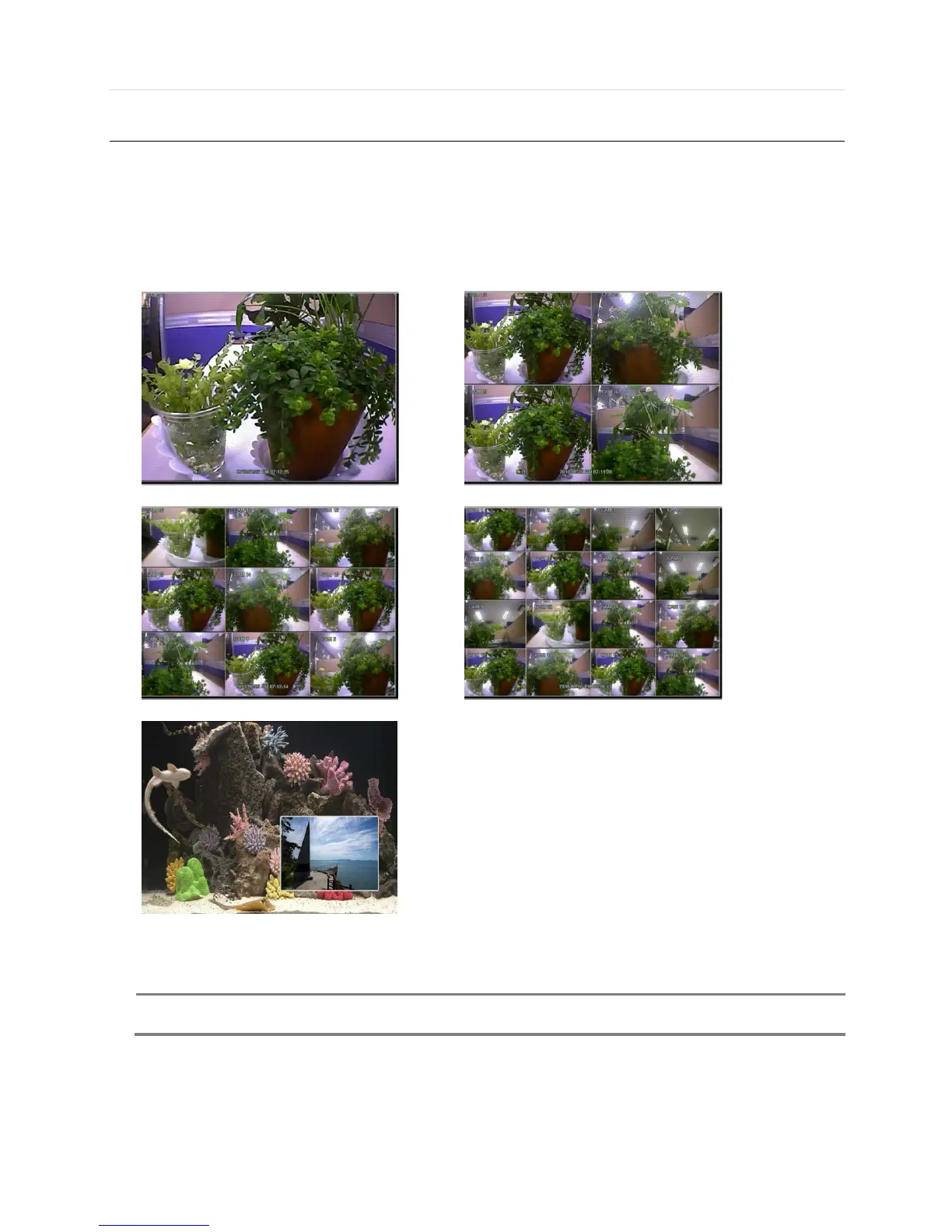
The images can be seen on real-time by 1, 4, 9, 16 and PIP screen. Whenever the up/down arrow button on the front panel or
IR remote controller is pressed, the screen will be sequentially changed.
[1 Ch] [4 Ch]
[9 Ch] [16 Ch]
[PIP Mode]
To select channel by mouse, click the left mouse button on the desired channel. To return to previous screen mode, click the
left mouse button again.



 To Next Page