31 | Chapter 1 : DVR User Manual
3.9 Search Recording Image
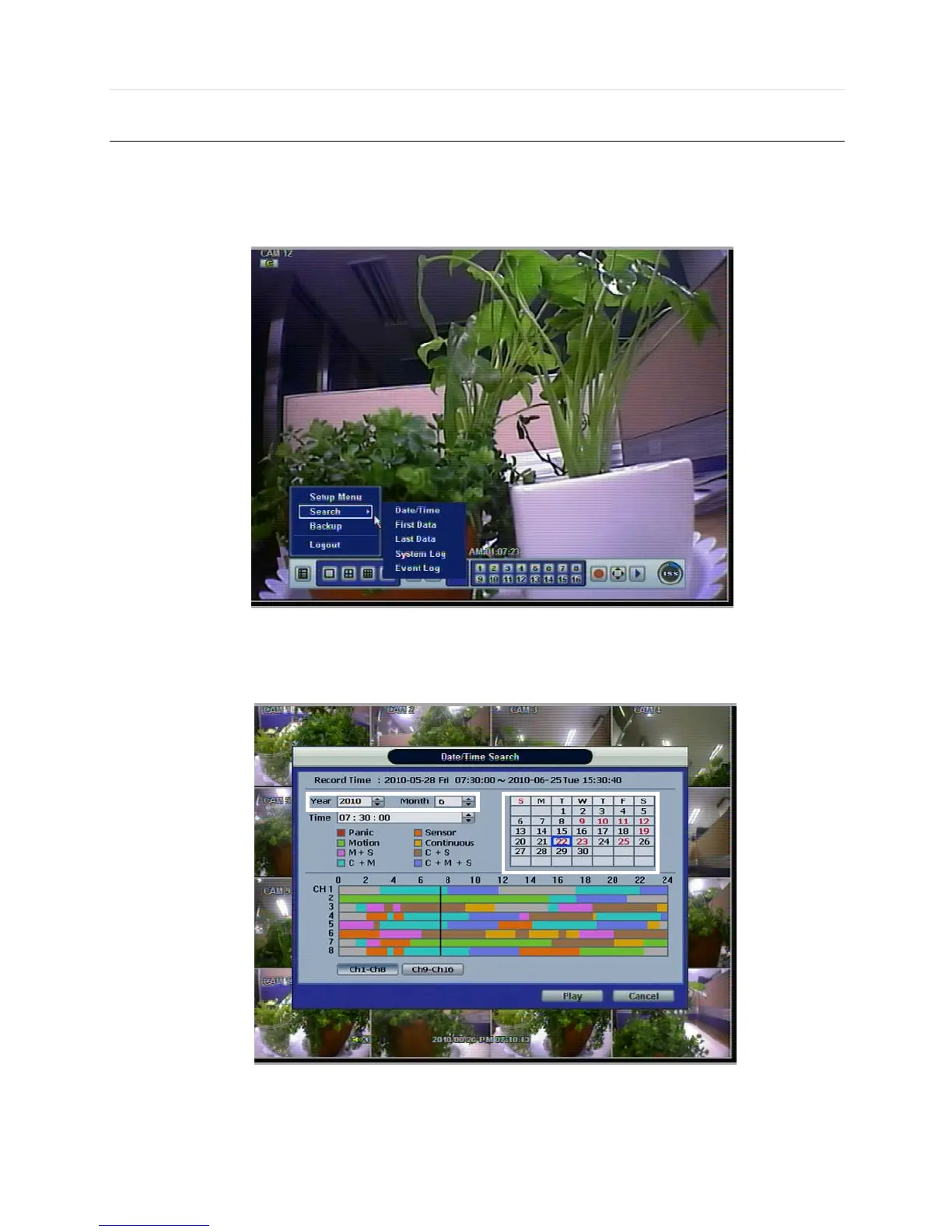
3.9.1 Date/Time Search
The user can select the date and time to search for a certain file within the recorded video.
In the calendar, dates in RED color means that there is recorded video data. Click a desired date in Red color. Then, the
recorded data for the selected date will be shown.



 To Next Page