User’s Manual | 34
To see a particular event, move the arrow button of the Front Panel or Remote Controller to the desired time range.
The following are the categories indicated on the Event Viewer.
1. Alarm by Sensor
2. Alarm by Motion
3. Alarm by Video Loss
4. Alarm by HDD Full
If the Alarm does not activate even though the alarm input setting has been made, check the alarm
connection port of the DVR rear panel.
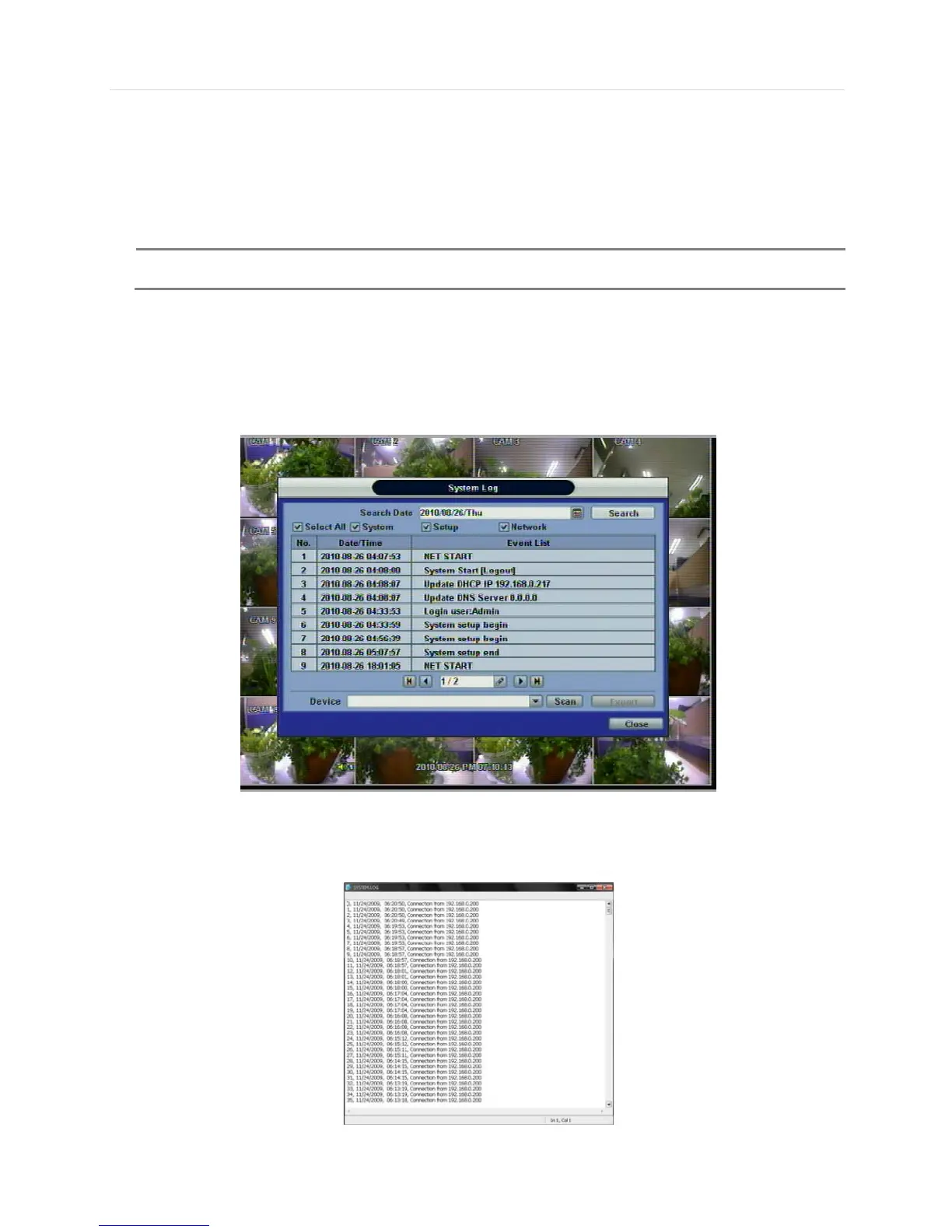
3.9.3 System Log
The system log search is used to find particular system log information, quickly and easily.
User can copy this event list to USB memory device in text file format.
Once export is completed, the user can find a date folder created in USB thumb drive.
There is “system.log” file stored in the date folder.



 To Next Page