29 | Chapter 1 : DVR User Manual
3.8 Quick Backup during Playback
User can easily archive video while viewing the video playback.
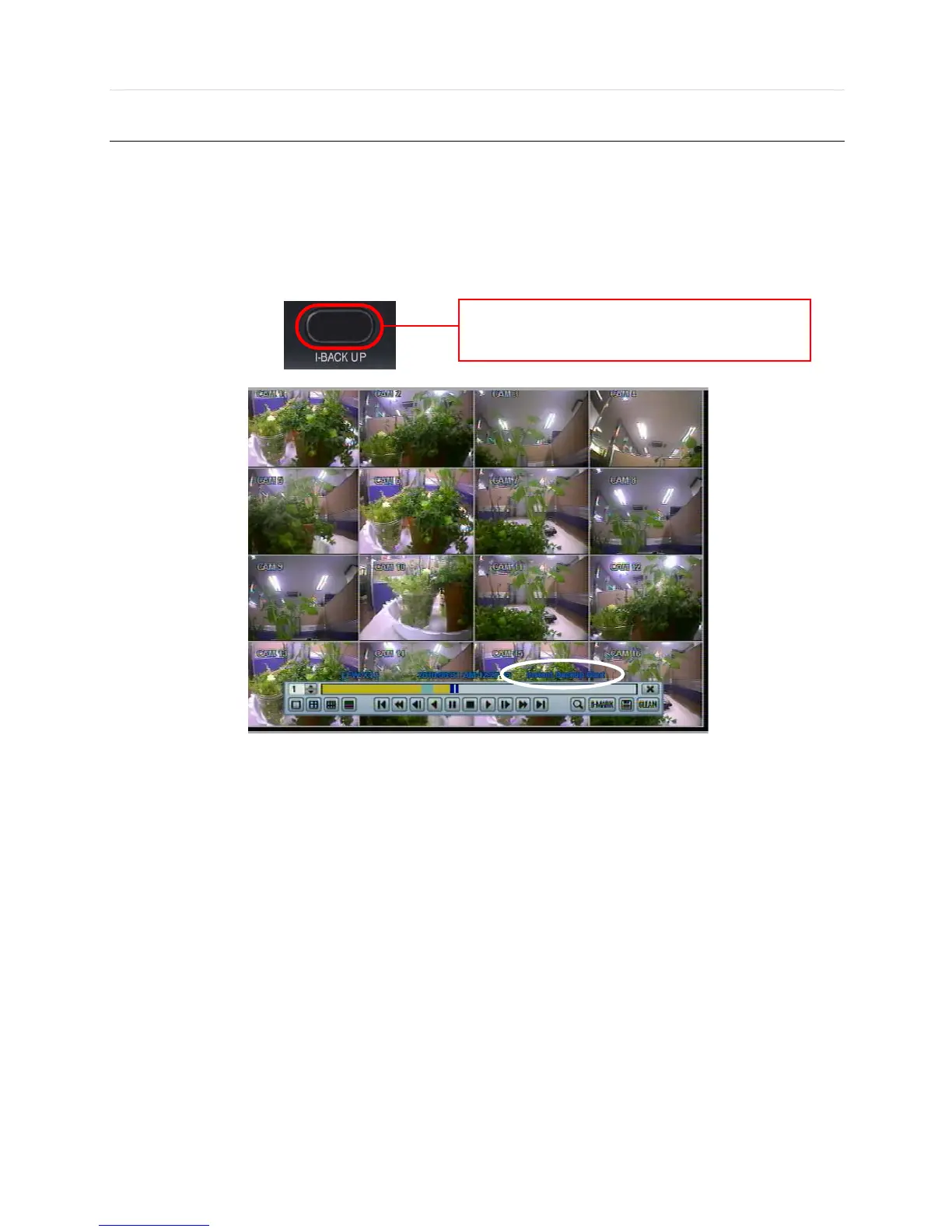
In playback mode, user can press and hold “I.BACKUP” button on the front panel to set archive “start time”. After pressing this
“I.BACKUP” button, user will see “INSTANT BACKUP START” on the bottom right of the playback monitor. Once “INSTANT
BACKUP START” message is shown, user can keep playing back video until user wants to finish archiving and then press
and hold the same “I.BACKUP” button again to set backup “end time”. The backup menu window will pop up, and user can
select the backup media, like CD/DVD or USB thumb drive and execute archiving.
Press “I.BACKUP” button to set “start” and “end” time
of archive during video playback.



 To Next Page