63 | Chapter 1 : DVR User Manual
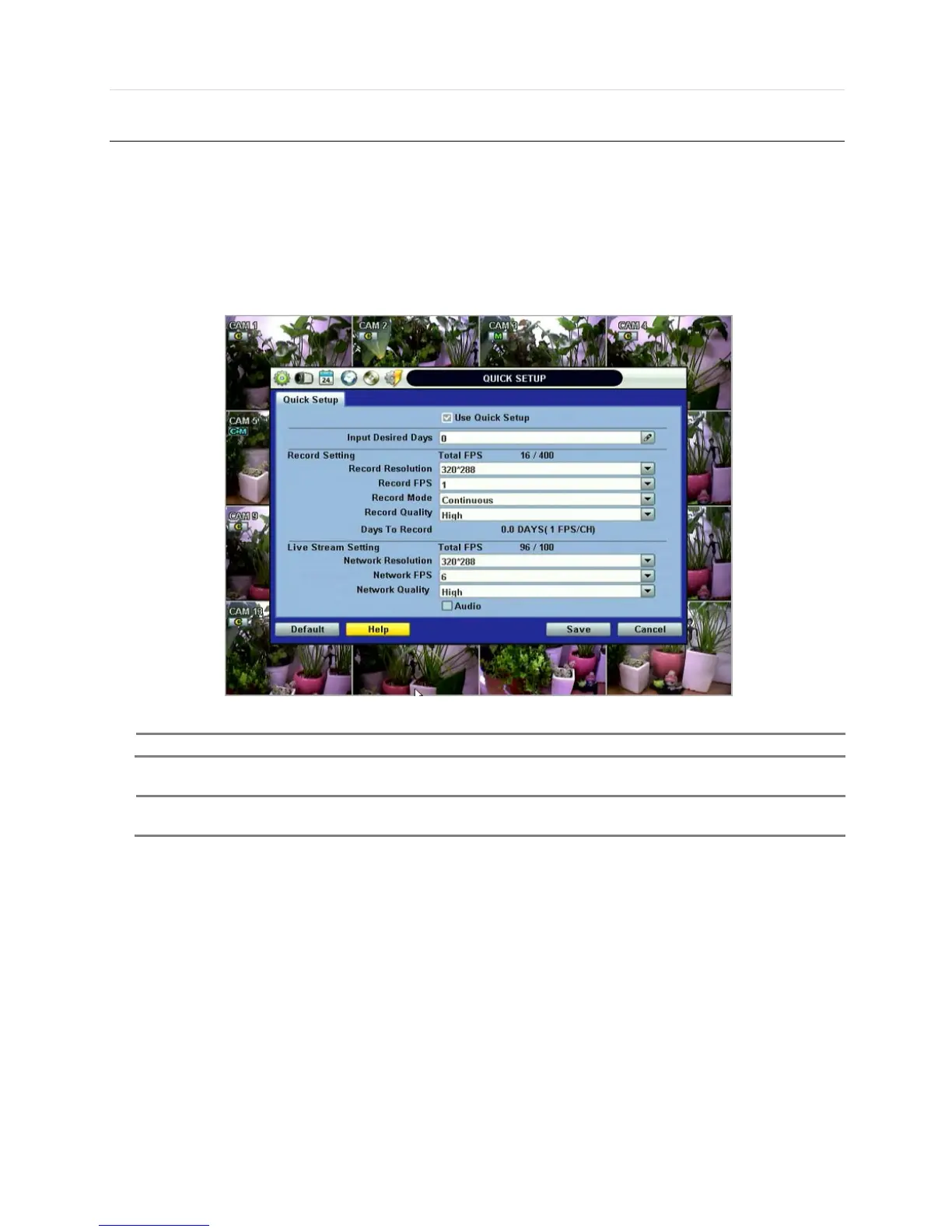
4.6 Quick Setup
Quick Setup helps user make simple configuration for recording resolution, entire recording speed by frame, recording mode,
and recording periods.
The system will put the first priority for configuration on this quick setup and will follow this rule regardless of configurations set
in other menus. Users should not fill in the checkbox of Use Quick Setup if he/she wants to utilize full system configuration
defined in the other menus.



 To Next Page