User’s Manual | 46
4.2 Device
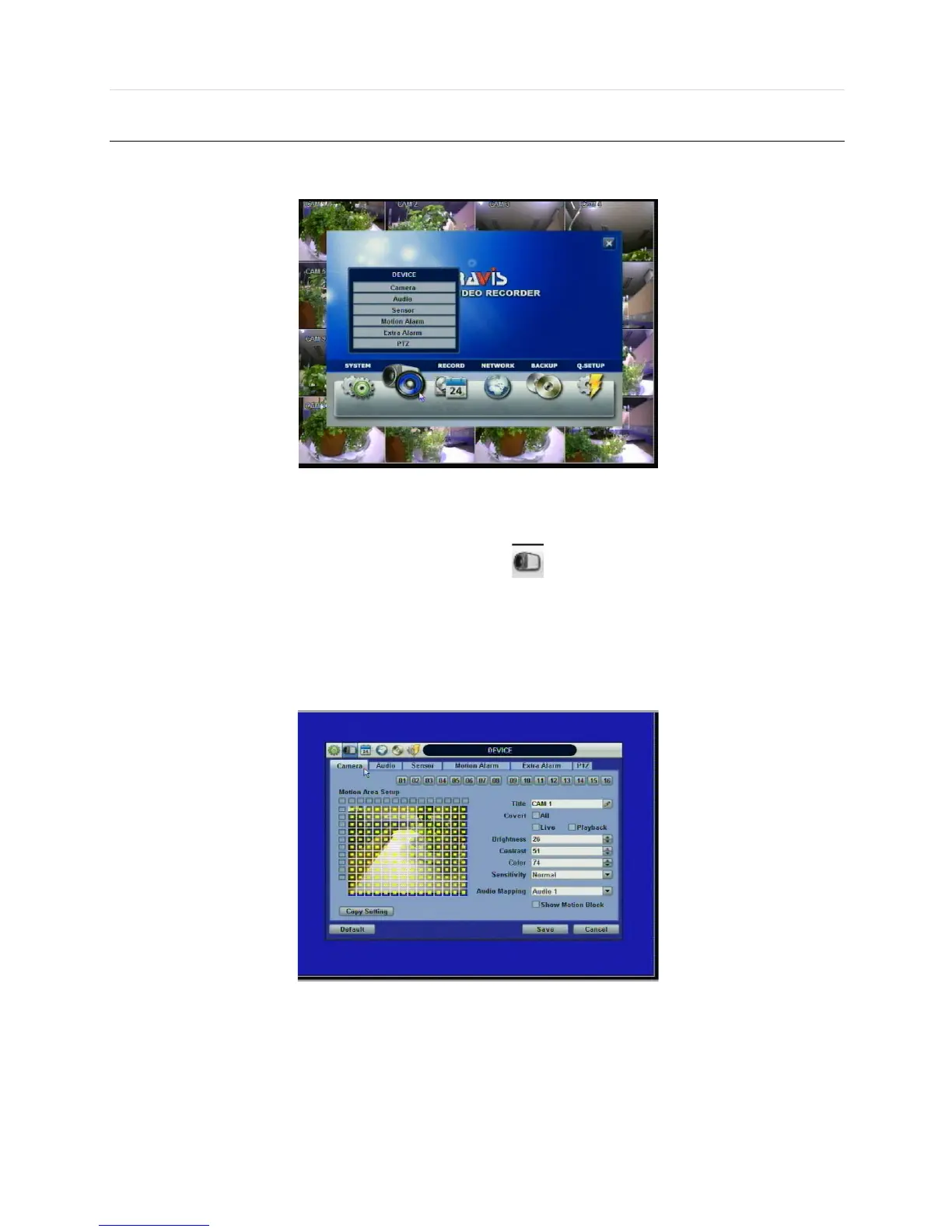
There are six sub menus in the Device menu, such as Camera, Audio, Sensor, Motion Alarm, Extra Alarm, and PTZ.
4.2.1 Camera
Users can easily move to the “Device” menu by selecting the icon on the top right of the menu screen.
Users can setup camera title, covert, brightness, contrast, motion sensitivity, and audio mapping for each camera.
“Covert,” also called “hidden camera” feature, hides camera display and playback as if there were no camera recording.
Users can apply this covert function not only to Live view, but also to Playback view.
The default motion area setup is the entire camera area.
4.2.2 Audio
Users can select the audio input and output during live display and match the audio input to a designated channel. (Please
refer to Section 4.3.1 Camera Record) There is a volume control panel. User can raise or drop the volume by using the
volume control panel.



 To Next Page