User’s Manual | 62
4.5.2 Backup Video Retrieve
There will be a single file after archiving, if “Auto Player” was selected.
User can double click the backup file to open the video data file. If the backup file doesn’t have Auto Player, user can double
click “BackupPlayer.exe” file to open the video data file (PSF format) in the folder of date.
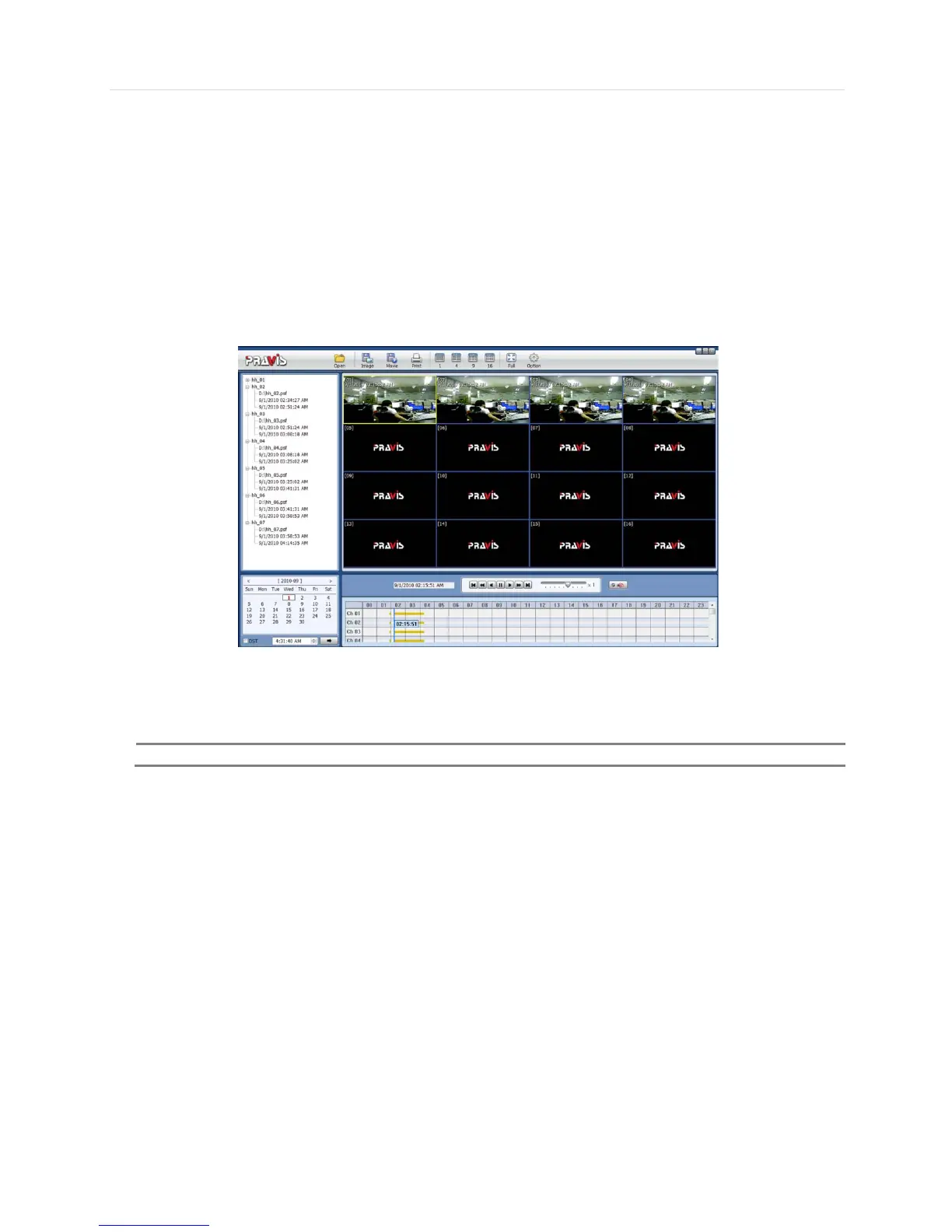
To begin video play, user can drag a PSF file (Video data file) and drop it in the empty screen of Backup Player as shown in
the picture. Alternatively, the PSF file can be opened by clicking the “Open” button.
If the user inserts USB memory stick or CD media that has the Video data file, the Backup Player will automatically begin
playing the files, starting with the first data file located in the device.
User can print out, capture a still image, zoom out, or make an ASF file format, by using the icons located on top of the player
window.



 To Next Page