EasyManua.ls Logo

Pravis 4CH Compact Case - Page 99

Pravis 4CH Compact Case
125 pages
Print Icon
To Next Page IconTo Next Page
To Previous Page IconTo Previous Page
Loading...
Users Manual | 98
7.3.6 Search Panel
Activated in Search Mode
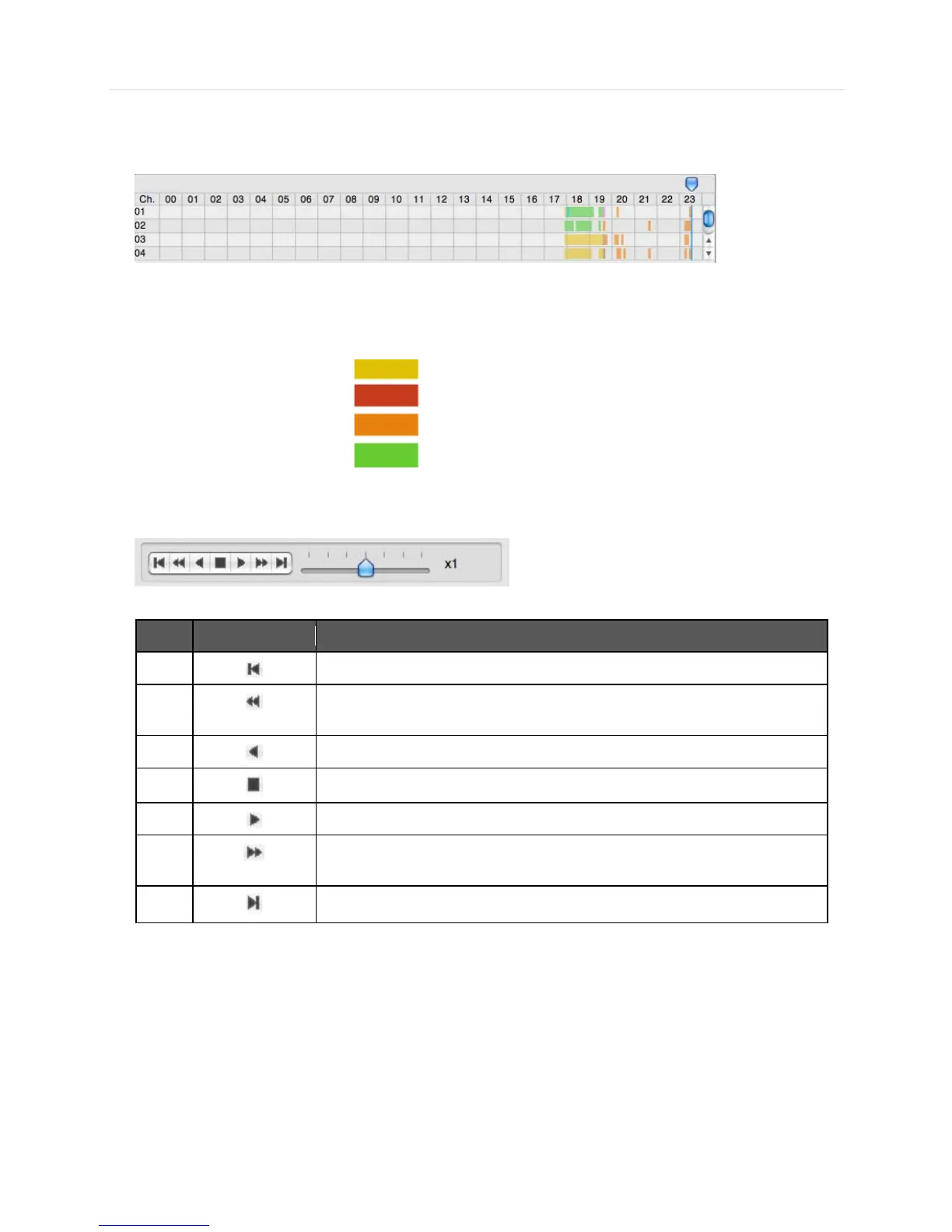
- The Search panel shows the record information for each channel.
- Each record mode is like below.
No Record Background Color
Continuous (Yellow Color)
Panic(Red Color)
Alarm(Orange Color)
Motion(Green Color)
- Click the time or move the time bar to the time you want to playback in the search panel.
- Playback control panel
No
Button
Description
1
Go to first
2
Forward Playback : Decrease the Speed / Reverse Playback : Increase
the Speed
3
Reverse Playback
4
Pause
5
Forward Playback
6
Forward Playback : Increase the speed / Reverse Playback : Decrease
the speed
7
Go 10 seconds before the end of the data.