136136
PreSonus StudioLive
™
16.4.2
Quick Start:
Level
Setting
Overview Hookup Controls Connecting
to a
Computer
Tutorials Technical
Information
Trouble-
shooting
and Warranty
Scenes, Presets,
and System Menu
7 Software: Universal Control, SL Remote, Capture, Studio One Artist
Software: Universal Control,
SL Remote, Capture,
and Studio One Artist
7.5 Studio One Artist Quick Start
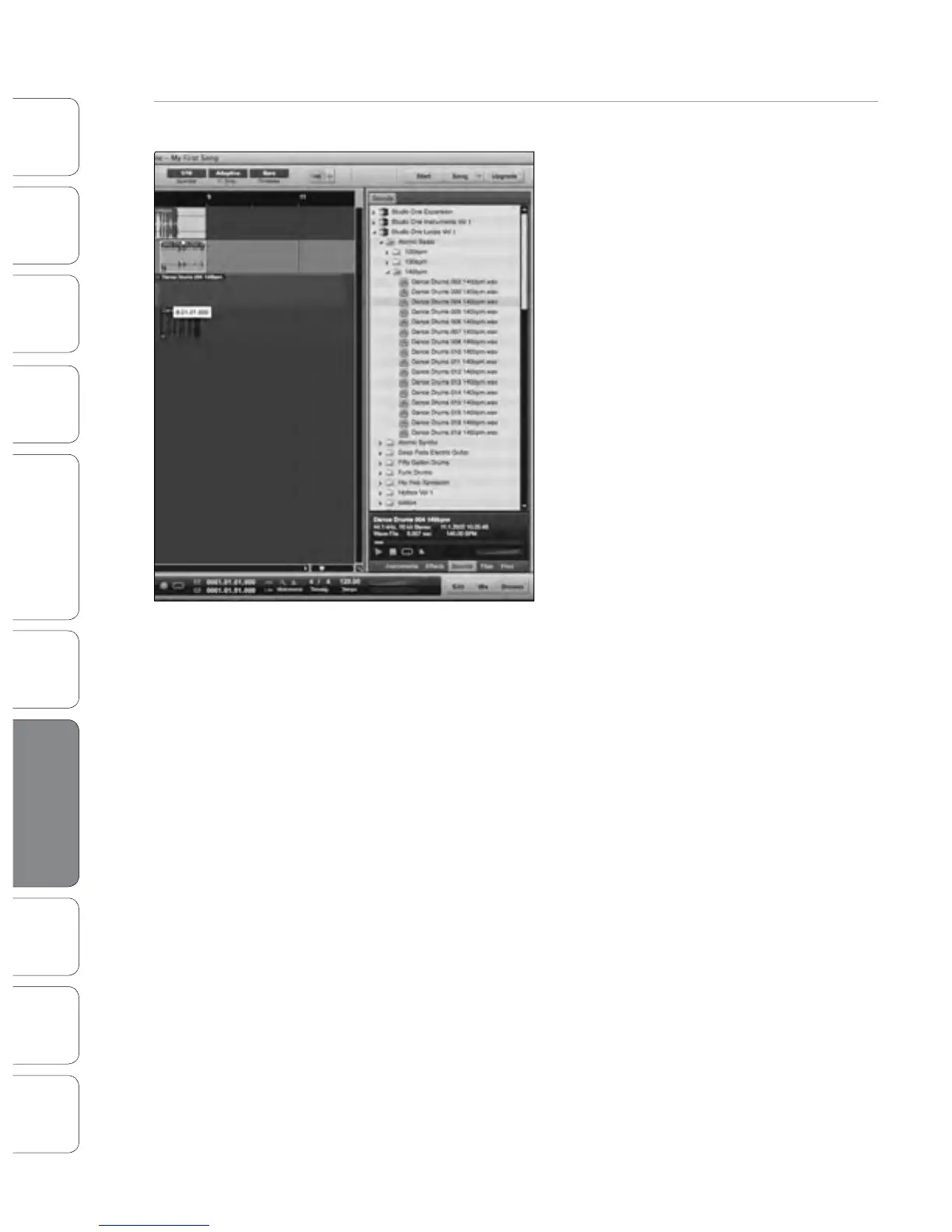
Drag-and-Drop Audio and MIDI Files
Audio and MIDI les can also be quickly located,
auditioned, and imported into your Song by
dragging them from the le browser into the
Arrange view. If you drag the le to an empty
space, a new track will be created with that le
placed at the position to which you dragged
it. If you drag the le to an existing track, the
le will be placed as a new part on the track.











 To Next Page