6666
PreSonus StudioLive
™
16.4.2
Quick Start:
Level
Setting
Overview Hookup Controls Tutorials Technical
Information
Trouble-
shooting
and Warranty
Scenes, Presets,
and System Menu
Software: Universal Control,
SL Remote, Capture,
and Studio One Artist
6 Connecting to a Computer
Connecting
to a
Computer
Note: The Dig Out button does not function when you have a FireWire return selected
as an input source. If Dig Out is enabled, any aux, subgroup, and the main bus to
which the return is routed will not receive the post-Fat Channel signal. The
unprocessed signal will still be routed to these buses, as well as to the FireWire bus,
but the Fat Channel processing will not.
If you wish to add Fat Channel processing to a FireWire return, you must
disable Dig Out.
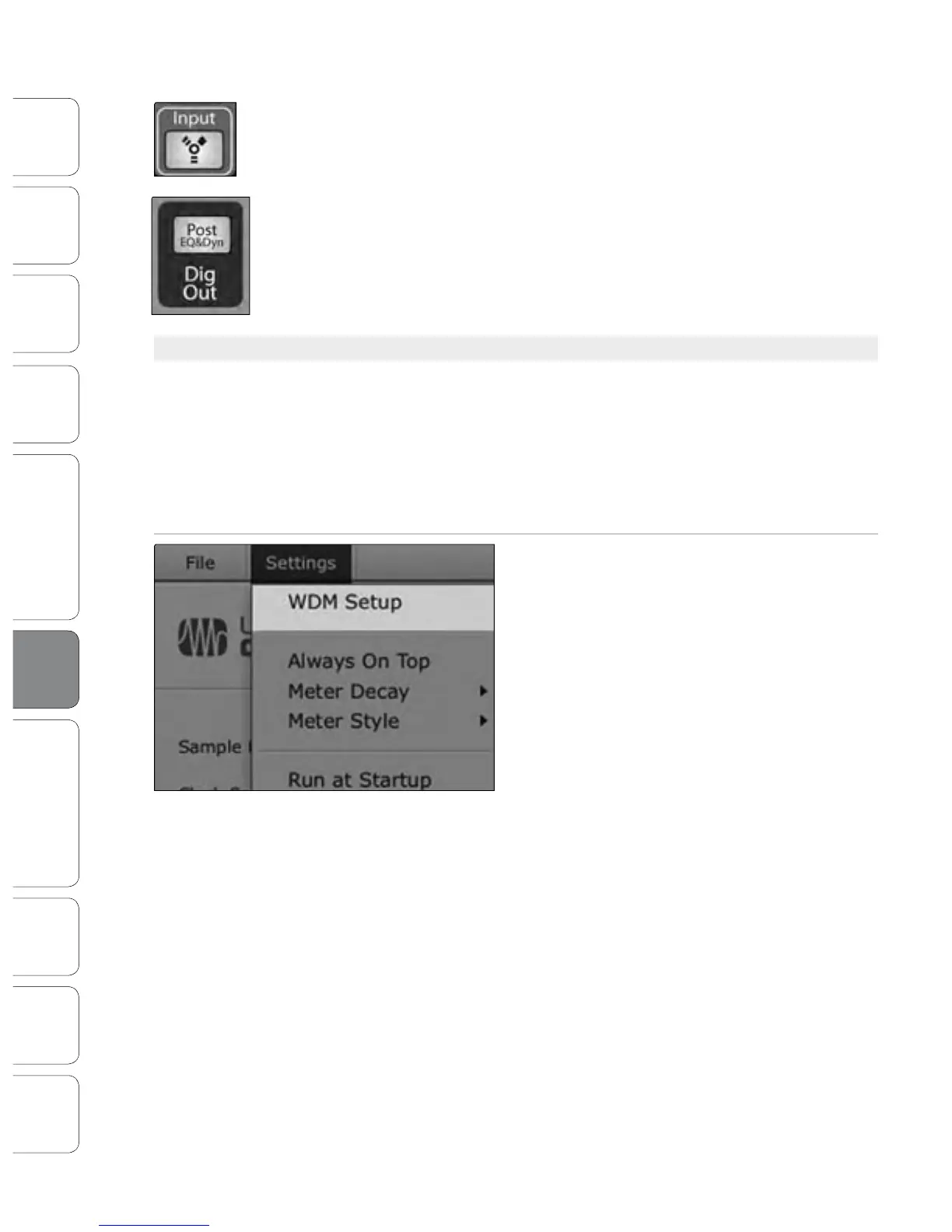
6.4.4 Advanced WDM Features (PC only)
Like the FireStudio-family interfaces, the StudioLive features advanced WDM
features to enhance its use as an audio interface. In the upper left-hand
corner of the Universal Control Launcher window, you will nd the Settings
menu. From here, you can congure your WDM input and output streams. For
more information on Universal Control, please consult the next section.
Mac users: Please skip to the next section for important information
about using your StudioLive as your main Core Audio device.
1. In the Launch window, go to Settings | WDM setup.
6.4 Using the StudioLive as an Audio Interface











 To Next Page