8181
Owner’s Manual
Quick Start:
Level
Setting
OverviewHookupControlsConnecting
to a
Computer
TutorialsTechnical
Information
Trouble-
shooting
and Warranty
Scenes, Presets,
and System Menu
Software: Universal Control, SL Remote, Capture, Studio One Artist 7
Software: Universal Control,
SL Remote, Capture,
and Studio One Artist
Virtual StudioLive 7.2
7.2.5 VSL: GEQ Tab
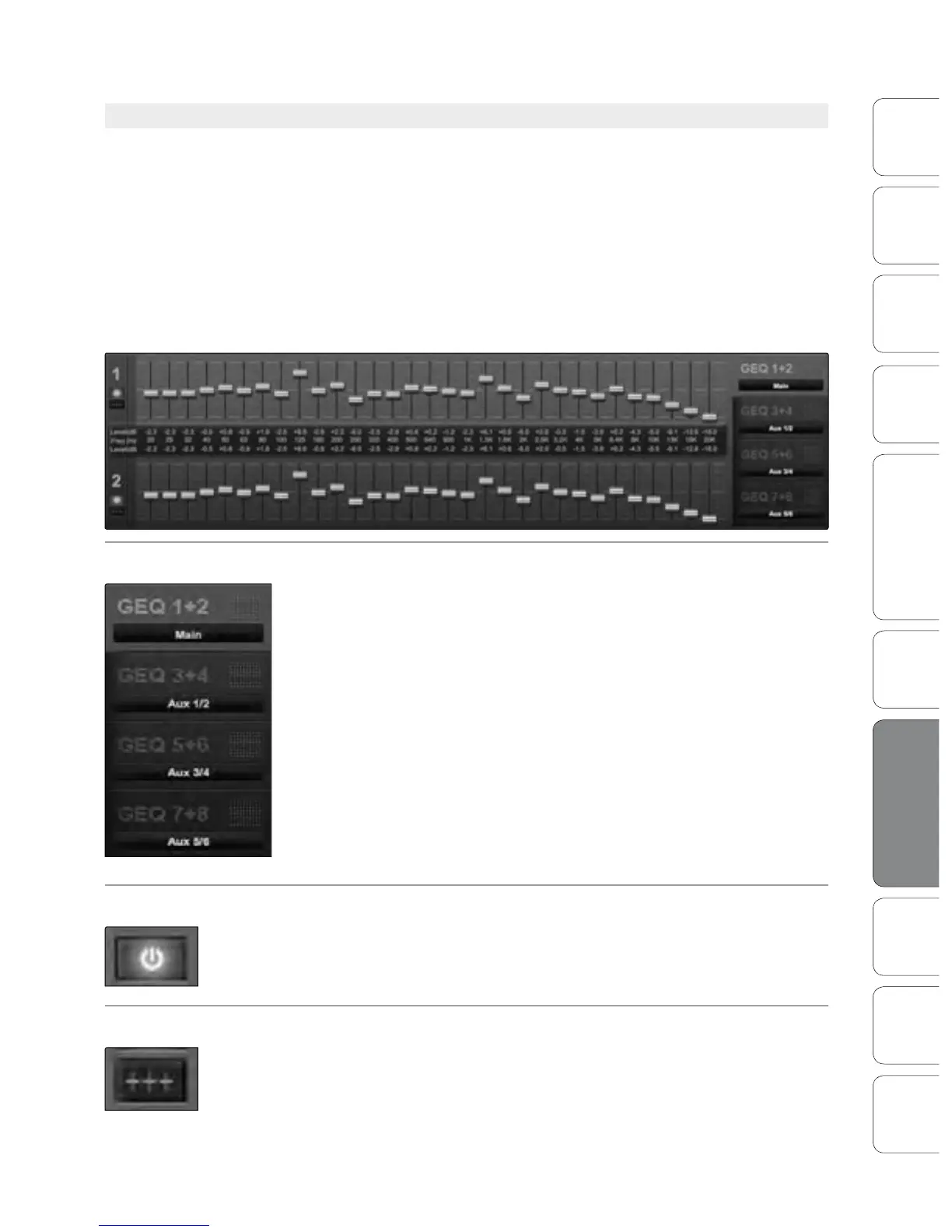
The StudioLive 16.4.2 features a 31-band graphic EQ on each of the
6 Aux Buses as well as the Main Bus. You can control each graphic EQ
individually, and if you link any of these buses, VSL automatically links
each dual-mono graphic EQ to create a true stereo graphic EQ. This allows
you to control both sides at once; for example, if you stereo-link Auxes 3
and 4, their graphic EQs will function as a stereo graphic EQ, rather than
as a dual-mono graphic EQ. The Main bus GEQ is always linked in VSL.
Note: The GEQ menu on your StudioLive does not have to be active in order to make changes to a graphic
EQ from VSL. However, if you wish to use the Fat Channel encoders to control the graphic EQs in VSL, then
you must open the GEQ menu on your StudioLive by navigating to the GEQ page in the System Menu.
Selecting a GEQ to Edit
Along the right side of the GEQ tab, you will see another set of tabs, one
for each dual-mono GEQ. To bring a GEQ in focus so that you can edit it,
simply click on its tab.
Enabling a GEQ
By default, all graphic EQs on your StudioLive 16.4.2 are disabled. To
enable them remotely using VSL, simply click on the Enable button to the
left of the sliders.
Flattening a GEQ Curve
To zero out all curve settings on any GEQ, click on the Flatten GEQ button,
directly below the Enable button. This will atten all band gains to 0 dB so
that they neither boost nor attenuate any of the 31 bands.











 To Next Page