4646
PreSonus StudioLive
™
16.4.2
Quick Start:
Level
Setting
Overview Hookup Connecting
to a
Computer
Tutorials Technical
Information
Trouble-
shooting
and Warranty
Scenes, Presets,
and System Menu
Software: Universal Control,
SL Remote, Capture,
and Studio One Artist
4 Controls
Controls
46
4.8 Digital Eects | Master Control
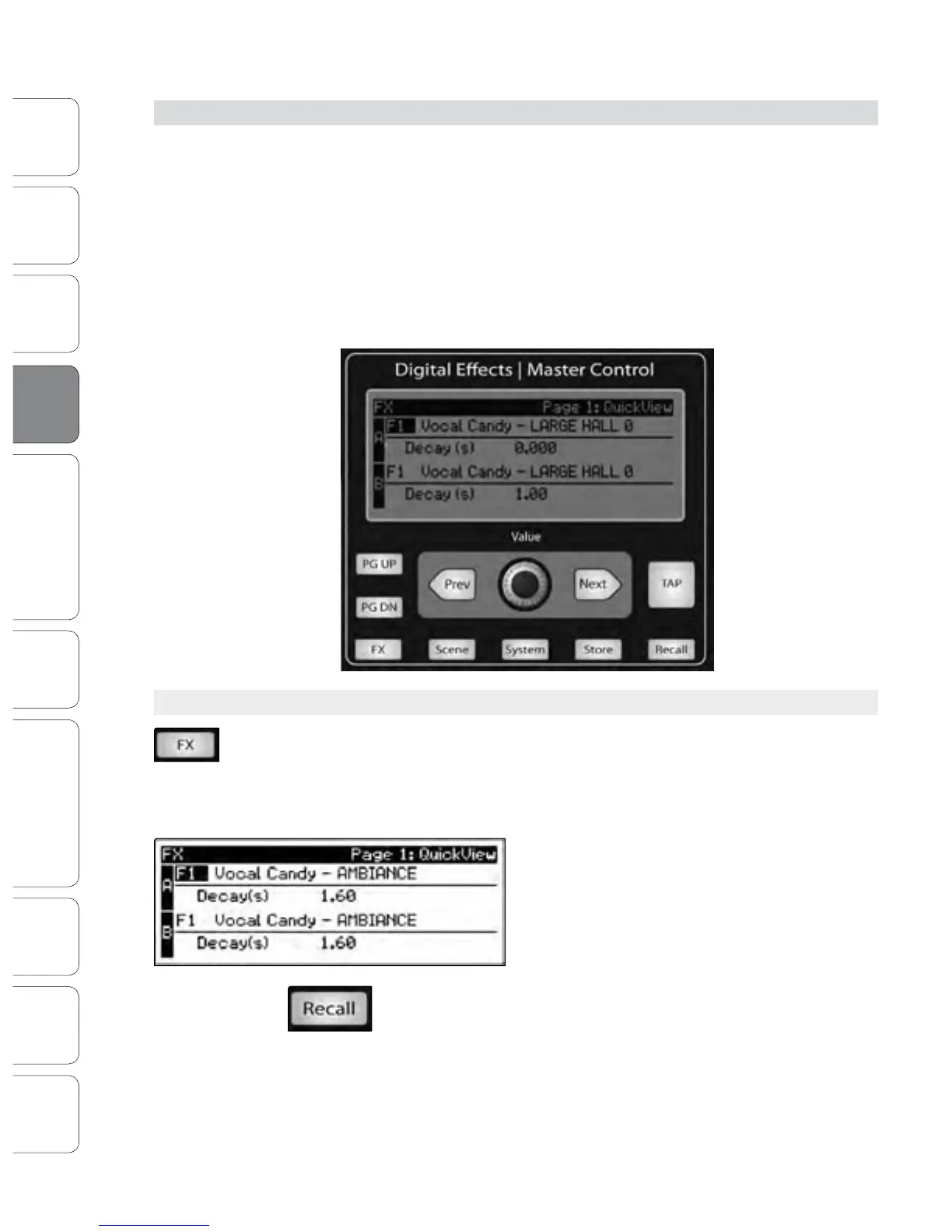
From the Digital Eects | Master Control section, you can select and change the
parameters of the two internal eects processors, and you can store and recall every
setting on your StudioLive. (See Section 5, “Scenes, Presets, and System Menu.”)
Because almost all of the StudioLive’s features are controlled from the mixing
surface (rather than using menus and submenus), you will mainly use this section
to adjust the internal eects processors and to save and recall presets and Scenes.
With all menus, your StudioLive remembers which page you are on.
To quickly jump to Page 1, simply press the menu’s button twice (e.g.,
to return to Page 1 of the FX Menu, press the FX button twice).
4.8.1 The Digital FX (Eects) Menu
The StudioLive features two internal eects processors. Each processor can access the
StudioLive’s selection of high-quality reverbs and delays. As described in Section 8.4,
each of these eects can be routed to any of the subgroups, the aux bus, or the main
outputs. To access the eects library and make adjustments to eect parameters,
press the FX button in the Master Control section.
The rst page of the FX menu is the QuickView screen.
It displays both of the eects assigned to the internal
eects buses and the main parameter for each. Eect
A is assigned to EFX A bus, and Eect B is assigned to
EFX B bus. Use the Next and Prev buttons to navigate
through the screen. To change a parameter, use the
Value encoder directly beneath the LCD screen.
The color will invert for each parameter
when it is selected for modication.
The Next button will scroll through this
screen in the following order: FX A library selection, FX A main parameter,
FX B library selection, FX B main parameter. When choosing your eects
preset, use the Value encoder to scroll through the library. When you
have arrived at your selection, press the Recall button to load it.
4.8 Digital Eects | Master Control











 To Next Page