4343
Owner’s Manual
Quick Start:
Level
Setting
OverviewHookupConnecting
to a
Computer
TutorialsTechnical
Information
Trouble-
shooting
and Warranty
Scenes, Presets,
and System Menu
Software: Universal Control,
SL Remote, Capture,
and Studio One Artist
Controls 4
Controls
43
Master Section 4.7
4.7.3 2 Track In
The 2 Track input allows you to patch in an analog input or a playback stream
from your audio application. This enables you to compare audio sources during
mixdown or patch in intermission music between bands without using any of
your 16 input channels. This is a summing bus, so both the external tape input
and the two-track main FireWire return can be engaged at the same time.
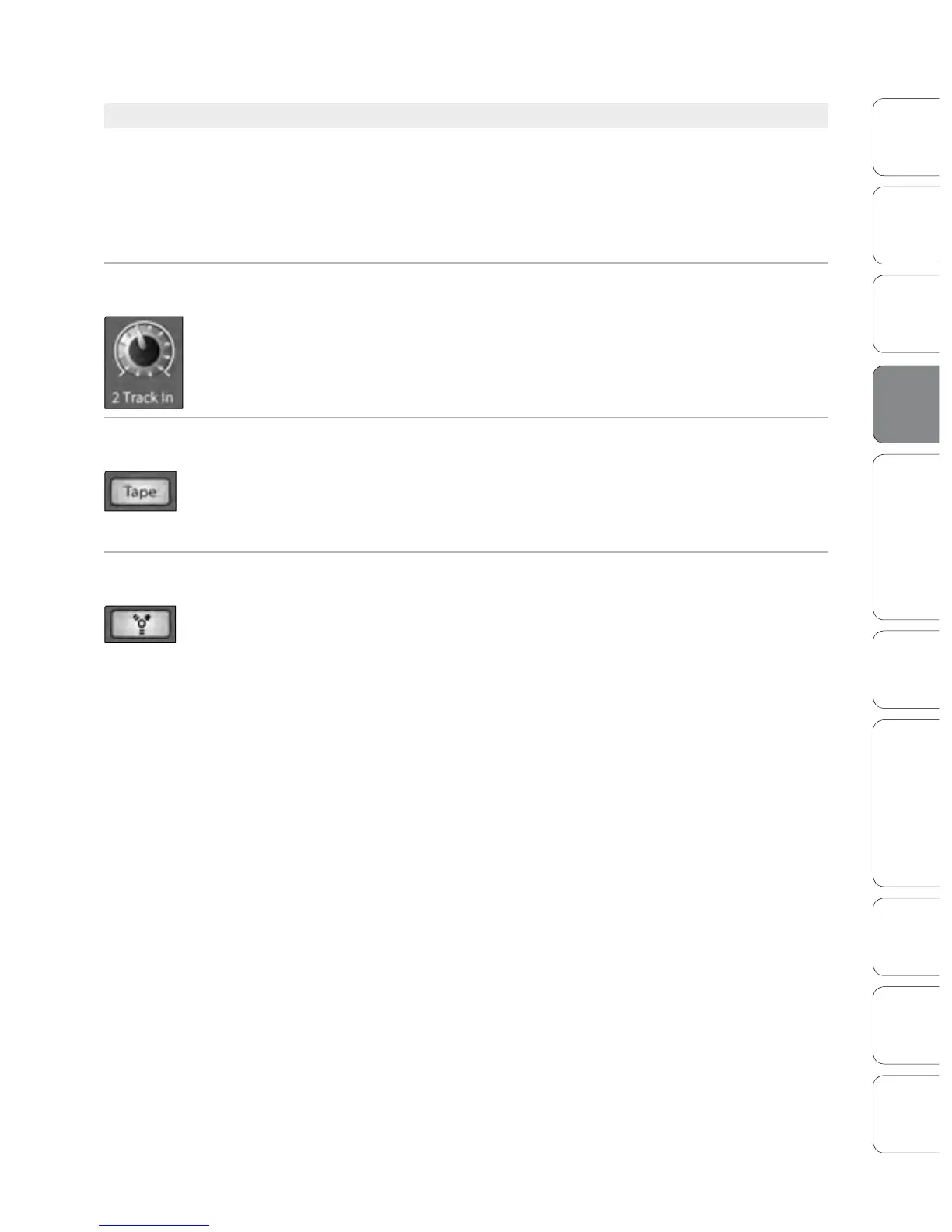
2 Track In Volume
Control
Adjusts the Level for the Tape Input.
This knob adjusts the level for both the tape input and the main FireWire return.
Tape Input
On/O Button
Patches the Tape Input to the Main Outputs.
This button patches the Tape input to the main outputs. It will illuminate to indicate
that the Tape input is being sent to the mains. To disable the routing, simply press the
button again.
FireWire Source
On/O Button
Patches the Main FireWire Return to the Main Outputs.
This button routes the main left/right FireWire returns (outputs 25 and 26) to the
main outputs. It will illuminate to indicate that the main FireWire return is being sent
to the main outputs of the StudioLive. To disable the routing, simply press the button
again. For more information on using the main FireWire return, please consult
Sections 6.4.2, 6.4.4, and 6.4.5.











 To Next Page