6868
PreSonus StudioLive
™
16.4.2
Quick Start:
Level
Setting
Overview Hookup Controls Tutorials Technical
Information
Trouble-
shooting
and Warranty
Scenes, Presets,
and System Menu
6 Connecting to a Computer
Connecting
to a
Computer
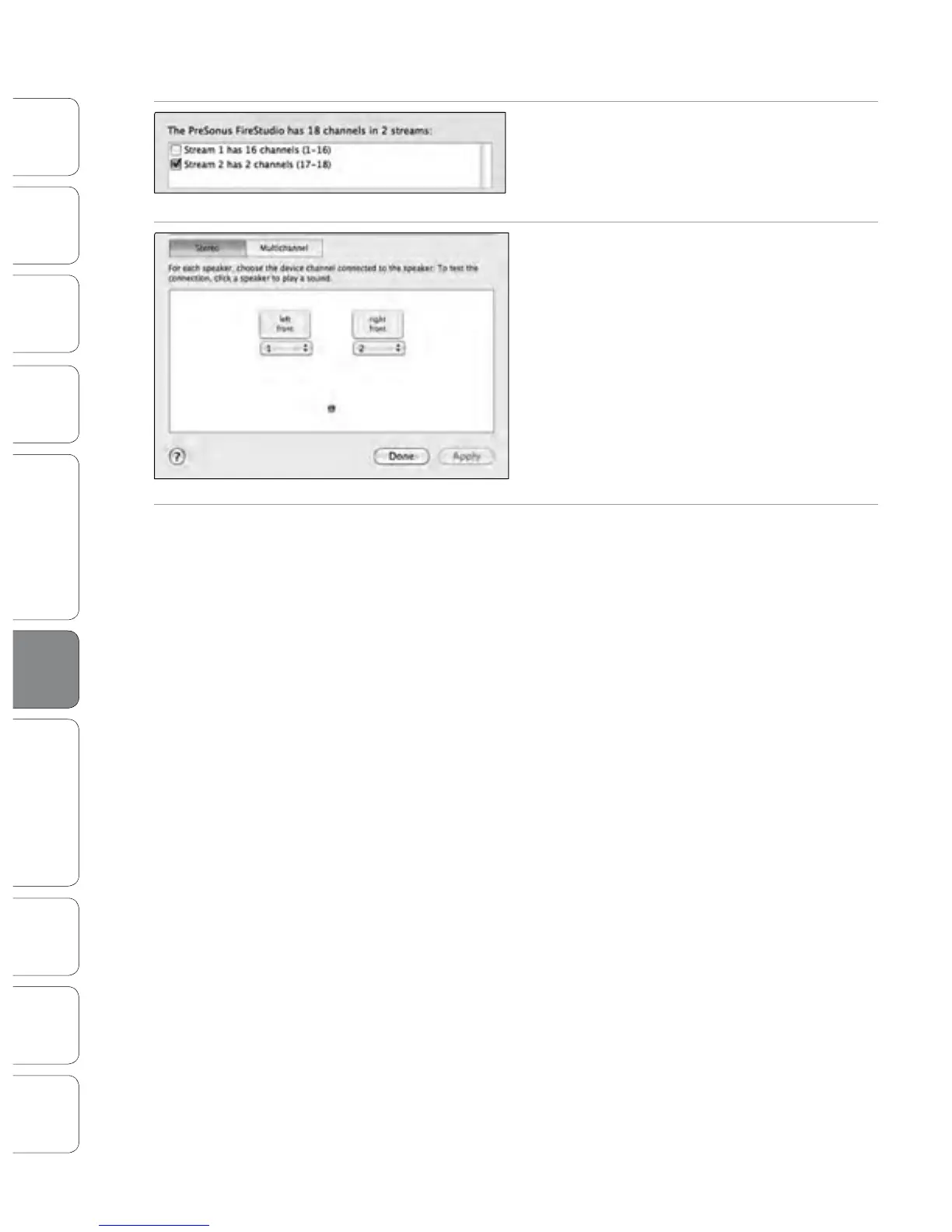
2. Deselect Stream 1 and select Stream 2 instead.
3. Choose Channel 17 for the left speaker and Channel
18 for the right speaker.
4. When you are nished, click Apply and then Done.
6.4 Using the StudioLive as an Audio Interface
Software: Universal Control,
SL Remote, Capture,
and Studio One Artist











 To Next Page