7171
Owner’s Manual
Quick Start:
Level
Setting
OverviewHookupControlsConnecting
to a
Computer
TutorialsTechnical
Information
Trouble-
shooting
and Warranty
Scenes, Presets,
and System Menu
Software: Universal Control, SL Remote, Capture, Studio One Artist 7
Software: Universal Control,
SL Remote, Capture,
and Studio One Artist
Universal Control 7.1
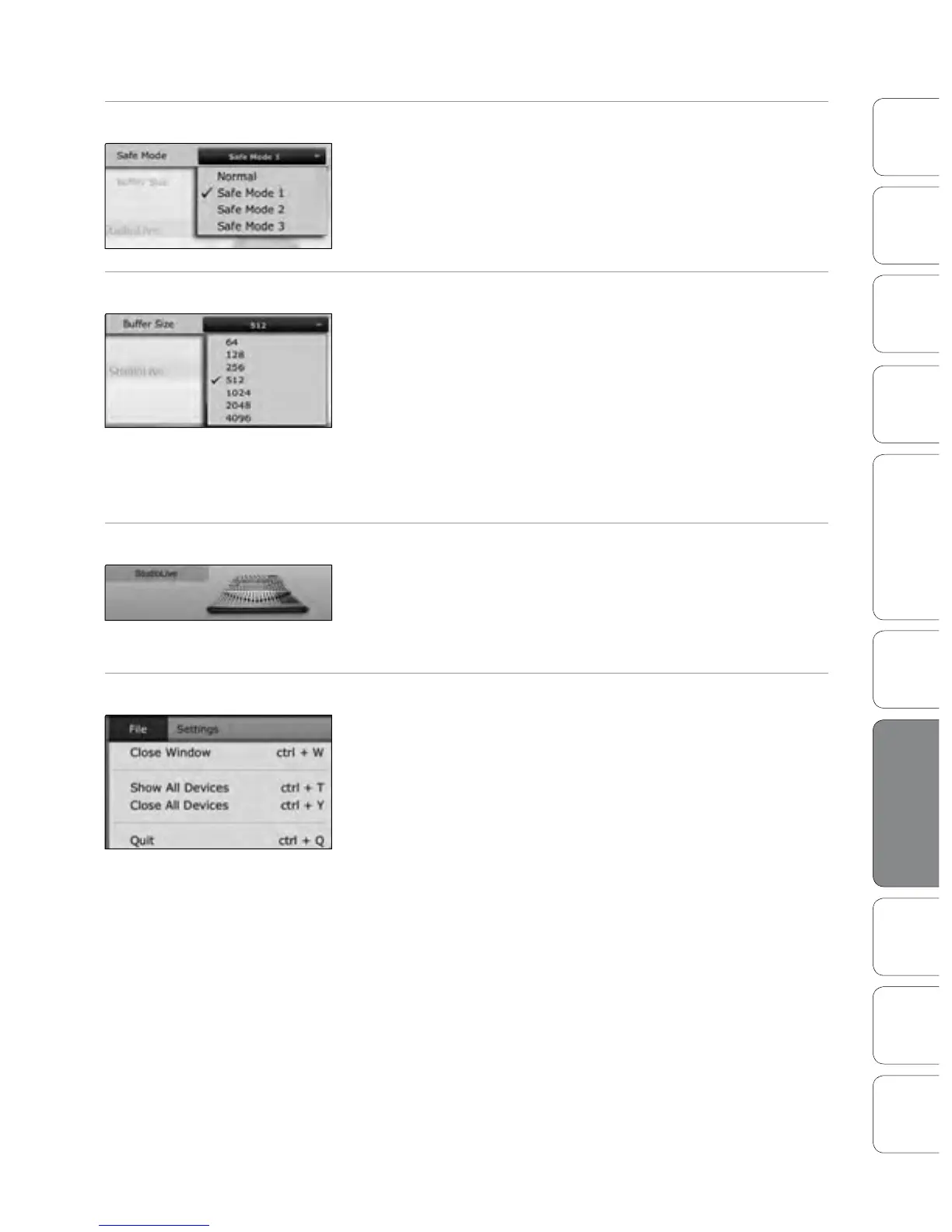
Operation Mode Changes How the StudioLive Driver’s Buer Size is Set.
Normal Mode. Input and Output buers are both identical to the Buer
Size setting.
Safe Mode 1-3. Increases the output buer size for added stability.
Buer Size Selector (PC only) Changes the StudioLive Buer Size.
You can set the buer size from 64 to 4,096 samples. The buer size
determines the round trip time it takes audio data to be converted from
analog to digital and back to analog. As a general rule, the higher the
buer size, the better the system performance, but the less playable
virtual instruments and the like become. In general, 512 samples (11 to 12
milliseconds) will provide you with a large enough buer for optimum
system performance but low enough to be unobtrusive. You should set
your buer size and sample rate prior to launching your host application.
On the Mac, the buer size is set from inside your host application.
Device Window Button Opens the Device Window.
Click on this button to open the Virtual StudioLive (VSL) application.
To give your StudioLive a custom name, double-click on the
default label (StudioLive) to open a text eld. When you have
nished entering your custom name, hit the Enter key.
File Menu Opens and Closes Launch and Device Windows.
From the File menu of the Launch Window, you can open and close both
windows, as well as quit the Universal Control application.
Close Window. Closes just the Launch window.
Show All Devices. Opens the Device window for
all of the connected FireStudio-family interfaces.
Close All Devices. Closes the Device window for all
of the connected FireStudio-family interfaces.
Quit. Quits the Universal Control application.











 To Next Page