7373
Owner’s Manual
Quick Start:
Level
Setting
OverviewHookupControlsConnecting
to a
Computer
TutorialsTechnical
Information
Trouble-
shooting
and Warranty
Scenes, Presets,
and System Menu
Software: Universal Control, SL Remote, Capture, Studio One Artist 7
Software: Universal Control,
SL Remote, Capture,
and Studio One Artist
Universal Control 7.1
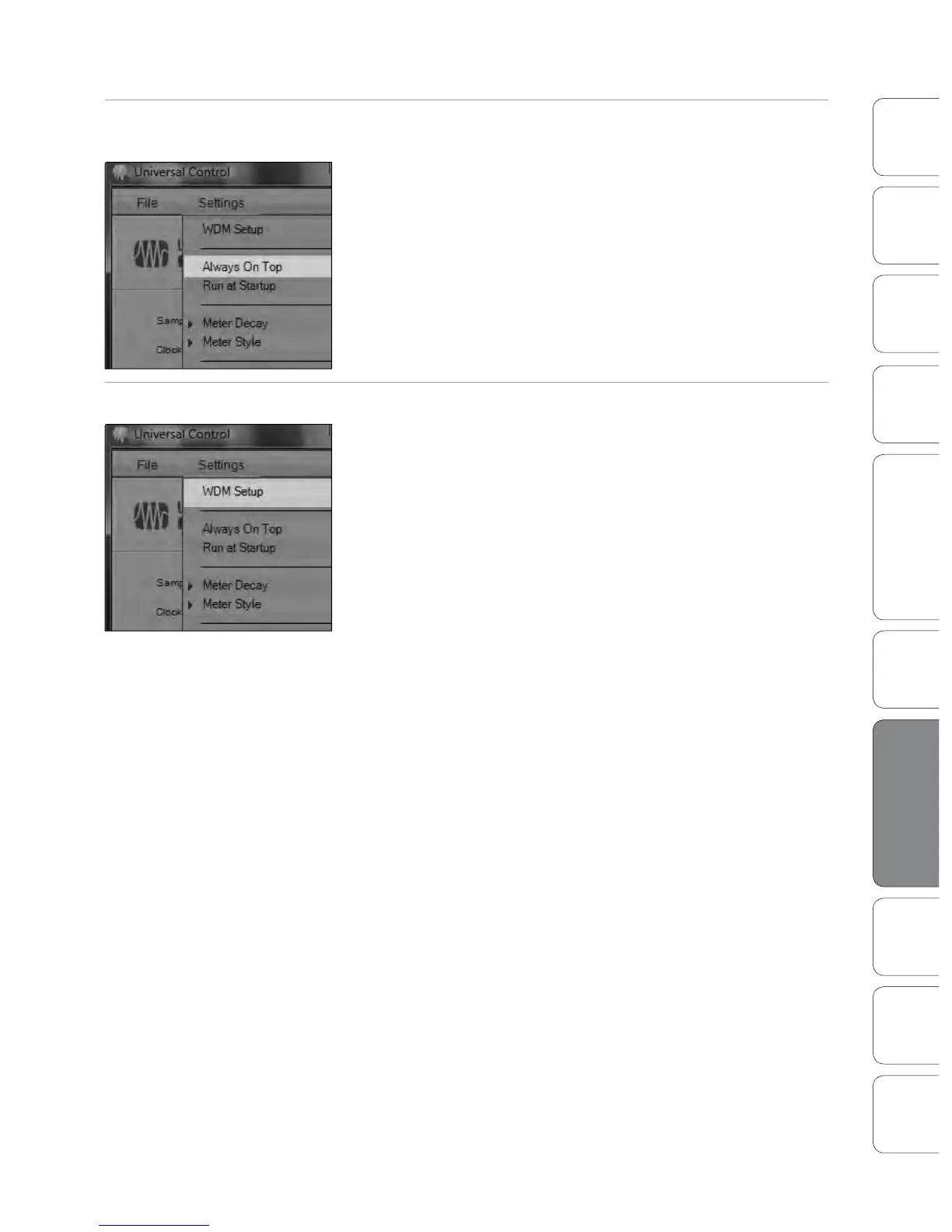
Settings: Always on Top Allows the Launch Window to Stay in View When Other Applications
Are in Use.
When this is enabled, the Launch window will remain in the foreground
when other applications are active, rather than being in the background
behind the current application’s window.
Settings: WDM Setup Opens the WDM Channel Mapper. (Windows Only)
The StudioLive features advanced WDM features. Please see Section 6.4.4
for further details.











 To Next Page