8383
Owner’s Manual
Quick Start:
Level
Setting
OverviewHookupControlsConnecting
to a
Computer
TutorialsTechnical
Information
Trouble-
shooting
and Warranty
Scenes, Presets,
and System Menu
Software: Universal Control, SL Remote, Capture, Studio One Artist 7
Software: Universal Control,
SL Remote, Capture,
and Studio One Artist
Virtual StudioLive 7.2
The Auxiliary Inputs Router also allows you to assign a specic bus
to the S/PDIF output and to select which stereo pair will be recorded
on the Auxiliary Stereo Track in Capture. When the StudioLive is not
connected to a computer, the S/PDIF output is routable through
the System Menu (see Section 5.4). However, when your StudioLive
is synced to your computer, you can send any of the 14 routable
buses to the S/PDIF output by assigning them to FireWire sends 31
and 32. In addition to being available for recording via Aux In 31
and Aux In 32, these sends are normalled to the S/PDIF output.
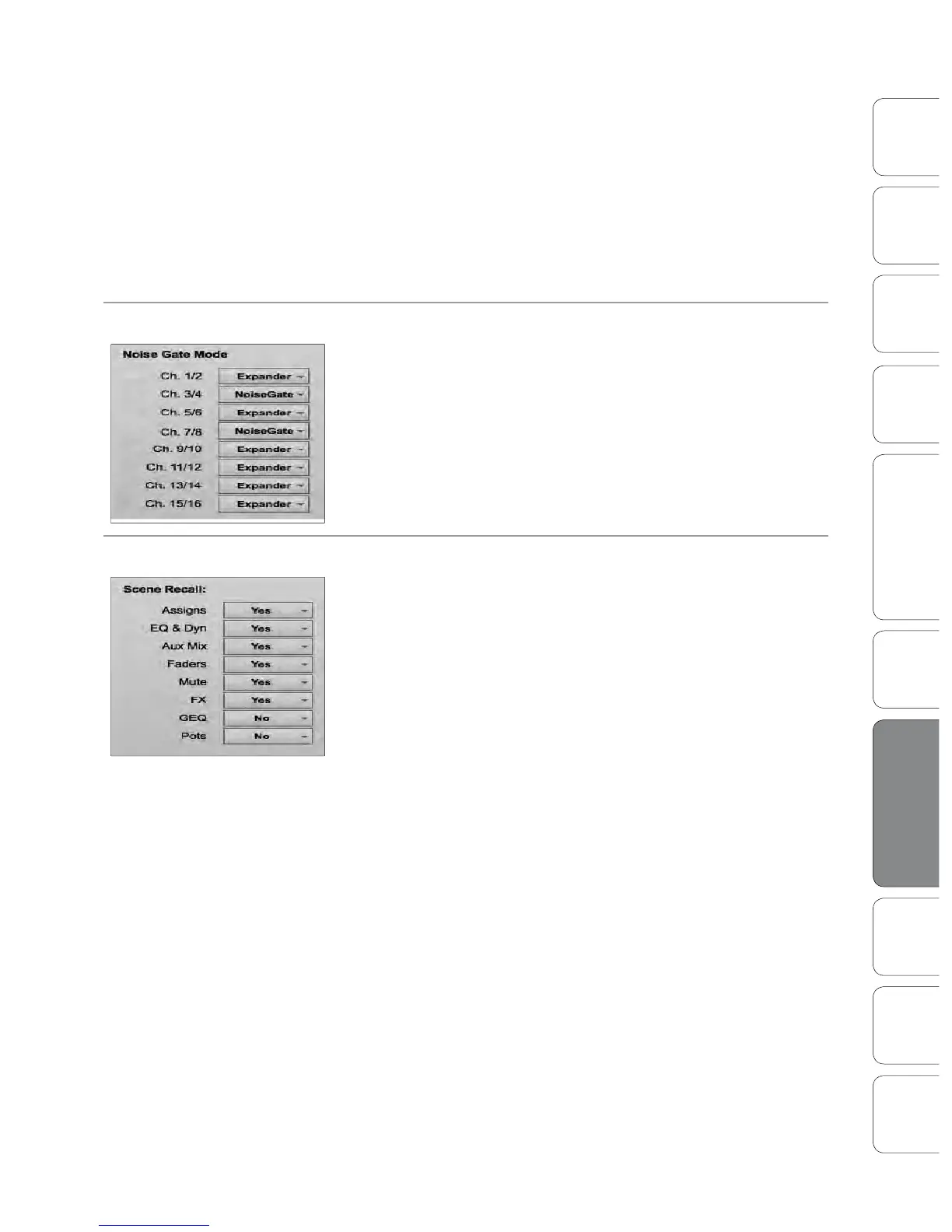
Noise Gate Mode
As discussed in Section 5.4, your StudioLive lets you choose between
an Expander and a Noise Gate for each pair of Channels. The Noise Gate
Mode Menu on the Setup tab corresponds directly with the Gate Type
page in the System Menu on your StudioLive.
Scene Recalling Menu
As discussed in Section 5.1, your StudioLive allows you to decide which
group of parameters you would like to recall with a Scene. The Scene
Recalling Menu on the Setup tab corresponds directly with the Scene
Recalling Menu on your StudioLive.











 To Next Page