35
Section 4: Printing from a PC
4A. Using BarTender®
Primera Special Edition BarTender UltraLite is included with the LX3000. You can
download it at the link below. Use the code below when prompted after installation.
Download: https://portal.seagullscientific.com/downloads/bartender
Code: Z3T0-7ZJY-JFD1-3J9P
Other programs can be used to print. If printing from other programs, please follow the
guidelines in Section 4D.
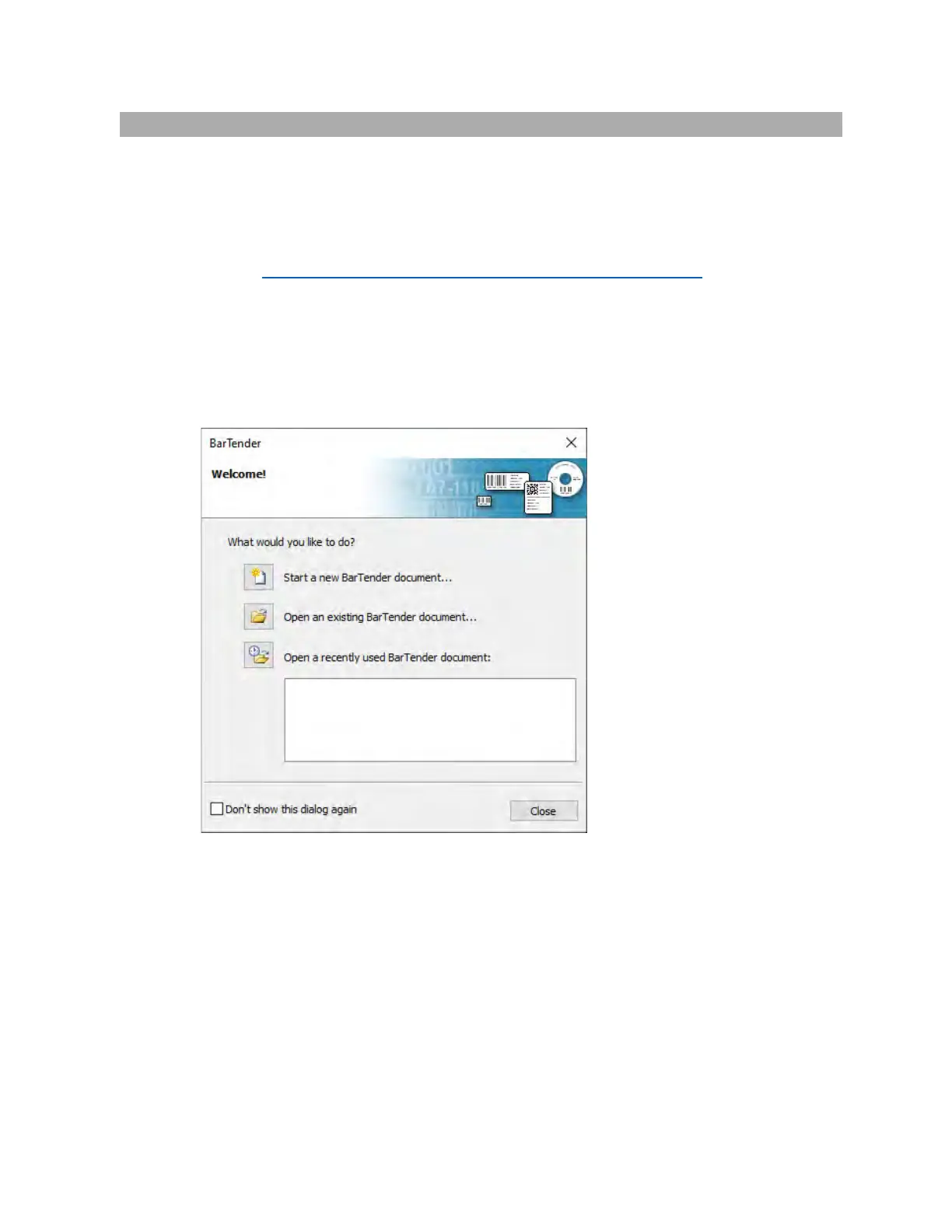
Use the following instructions as a guide through the wizard setup process.
1. Choose "Start a new BarTender document..."
2. Select "Blank Template". Click "Next".



 To Next Page
 Loading...