Hardware and Software Set-Up and Testing 13
6. If you will be printing as well as duplicating discs, set-up
the printer according to its instructions and continue on to
step 7.
If you won't be attaching a printer, you have now completed
the Hardware and Cabling Set-Up procedure. Proceed to
Section E.
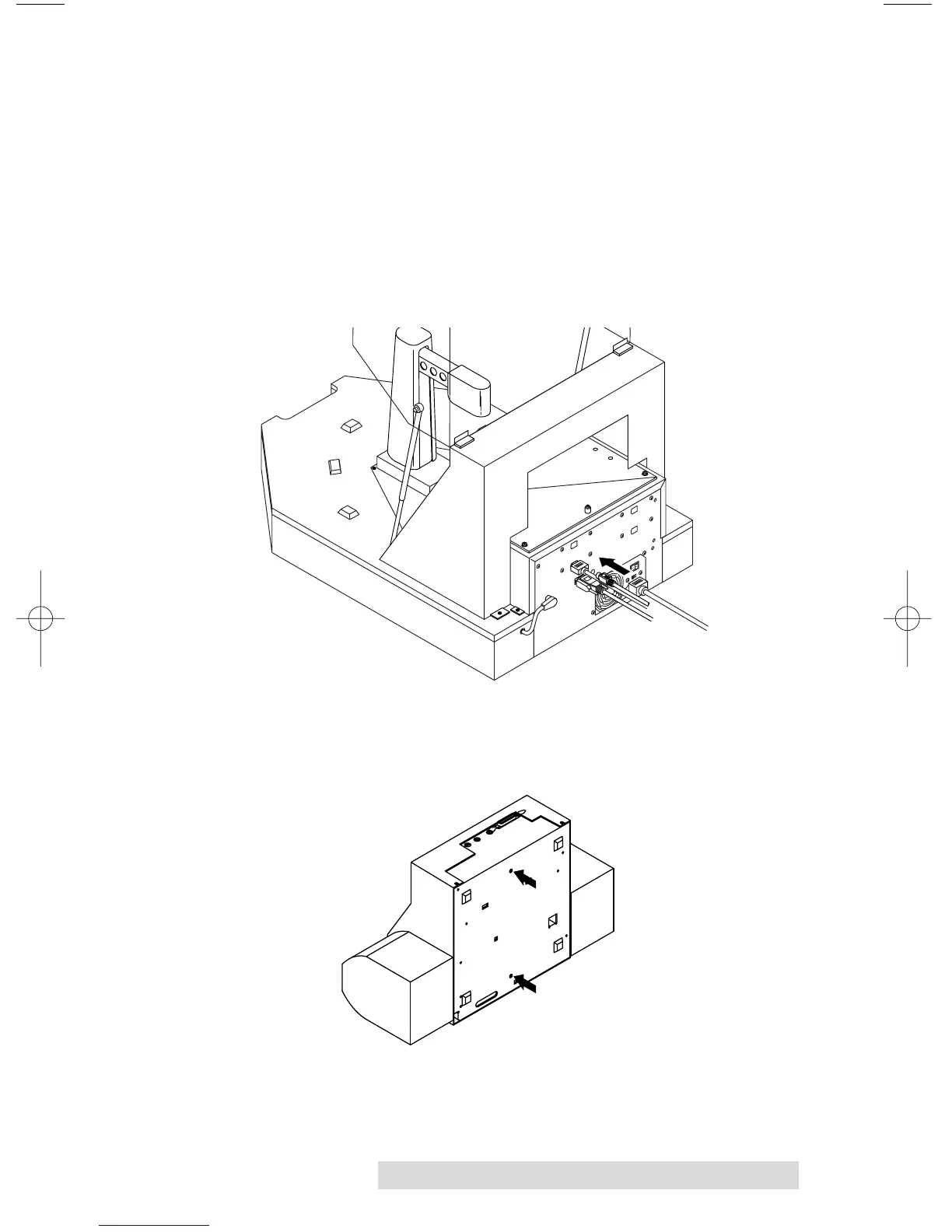
7. Connect the 6-pin mini-DIN cable to the Printer Control
Port on the rear panel of the Duplicator. Do not connect
the other end yet.
8. Attach the optional printer to the duplicator. Find the
locating holes on the bottom plate of your printer.



 To Next Page