14 Hardware and Software Set-Up and Testing
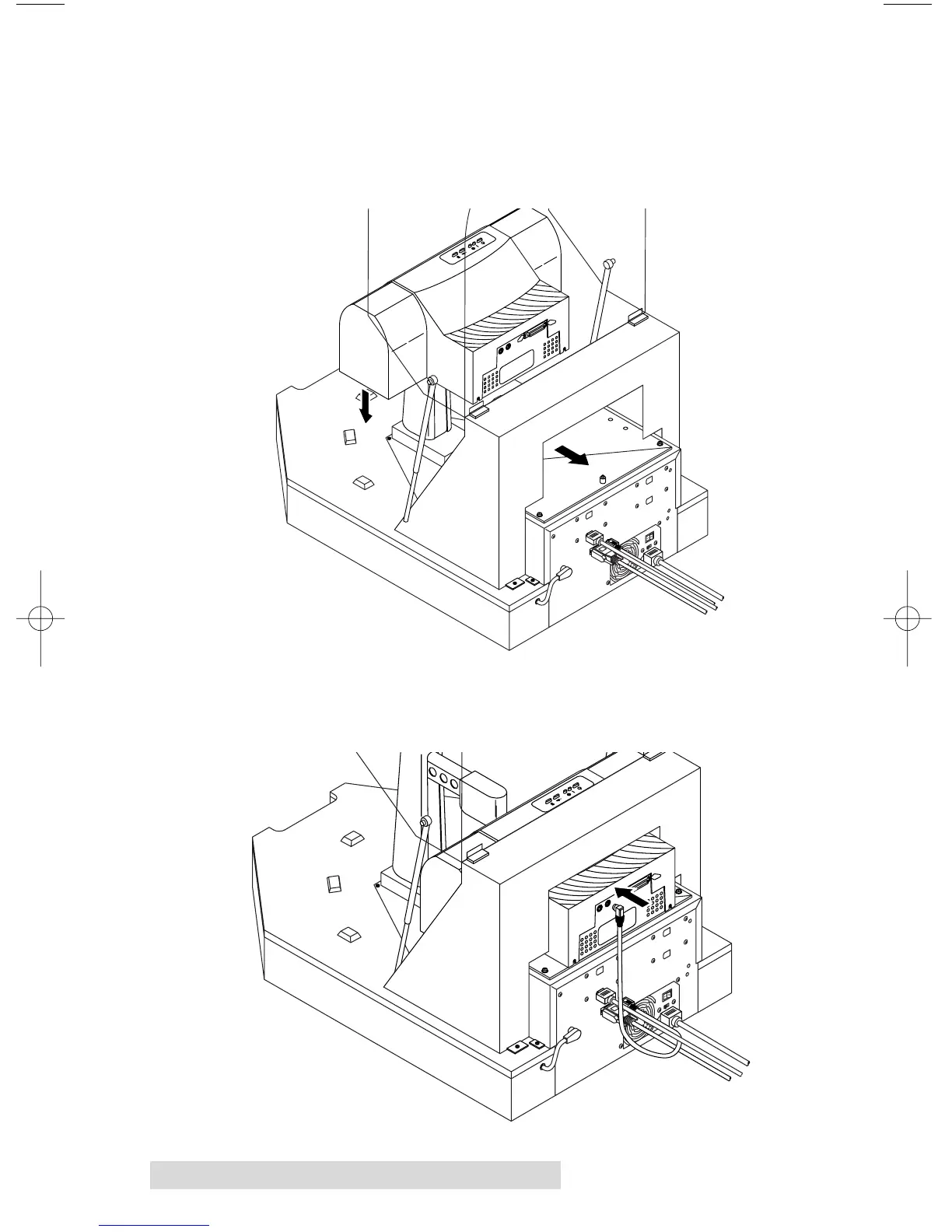
Position the printer on the stand so that the printer stand
locating pins are inserted into the locating holes of the
printer. You may have to rotate the printer slightly to get
it past the supporting brackets for the Duplicator's
Top Cover.
9. Connect the other end of the 6-pin mini-DIN cable to the
Printer Control Port on the rear panel of the printer.



 To Next Page