92
Chapter 3 OS Installation Using ServerStart
5 Select the LAN controller to use and click [Next].
The [proxy DHCP Configuration] window appears.
6 Select [Yes] to run the DHCP service on the PXE server or select [No] to run
the DHCP service on the other server on the network, and click [OK].
The [Ready to Install the Application] window appears.
7 Click [Install].
Installation starts. When the installation is completed, the [InstallShield Wizard Completed]
window appears.
8 Click [finish].
The setup window appears.
9 Click [Next].
The [License Agreement] window appears.
10 Select [I accept the license agreement] and click [Next].
The [User Information] window appears.
11 Enter the user information of the software and click [Next].
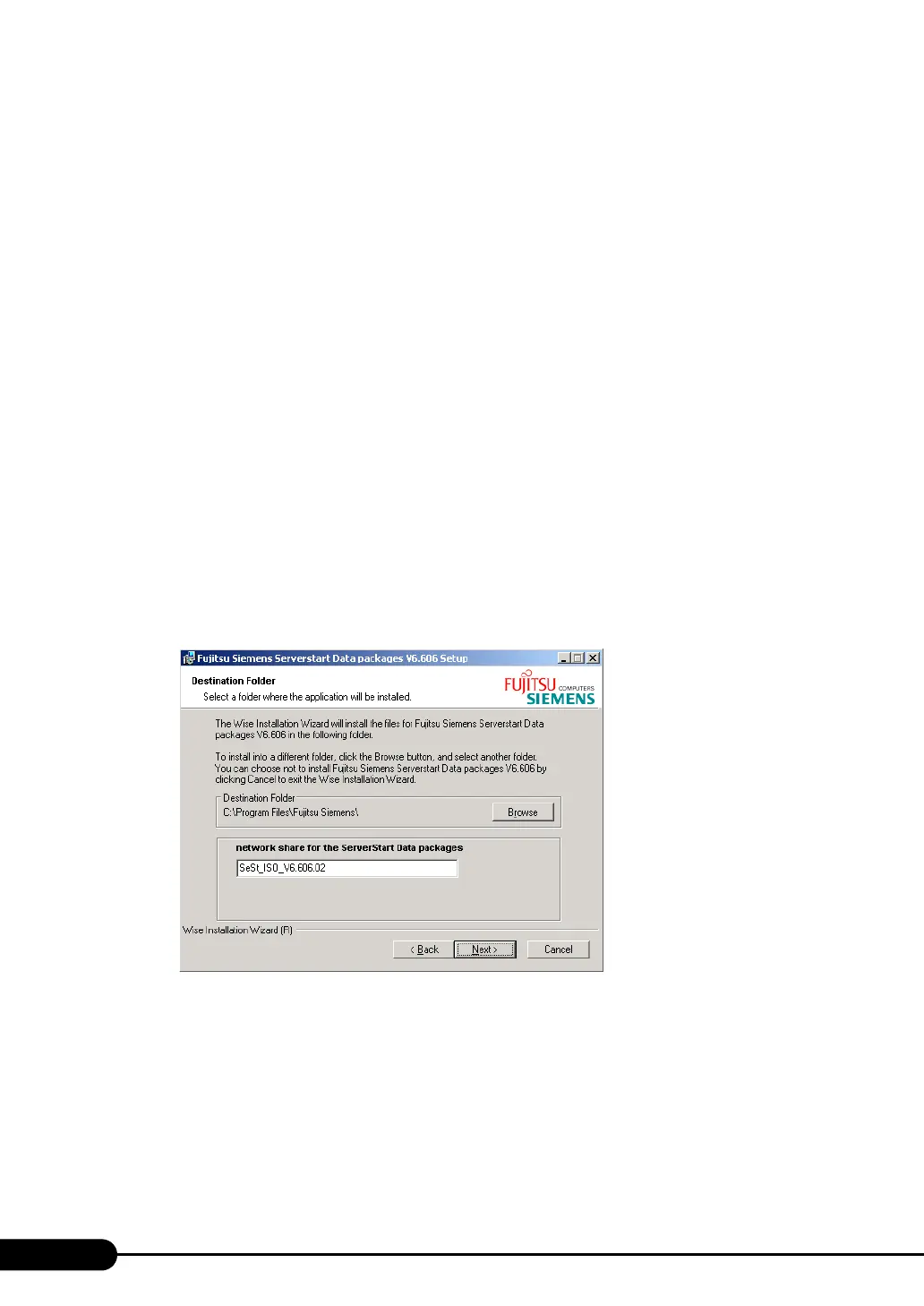
The [Destination Folder] window appears.


 To Next Page