98
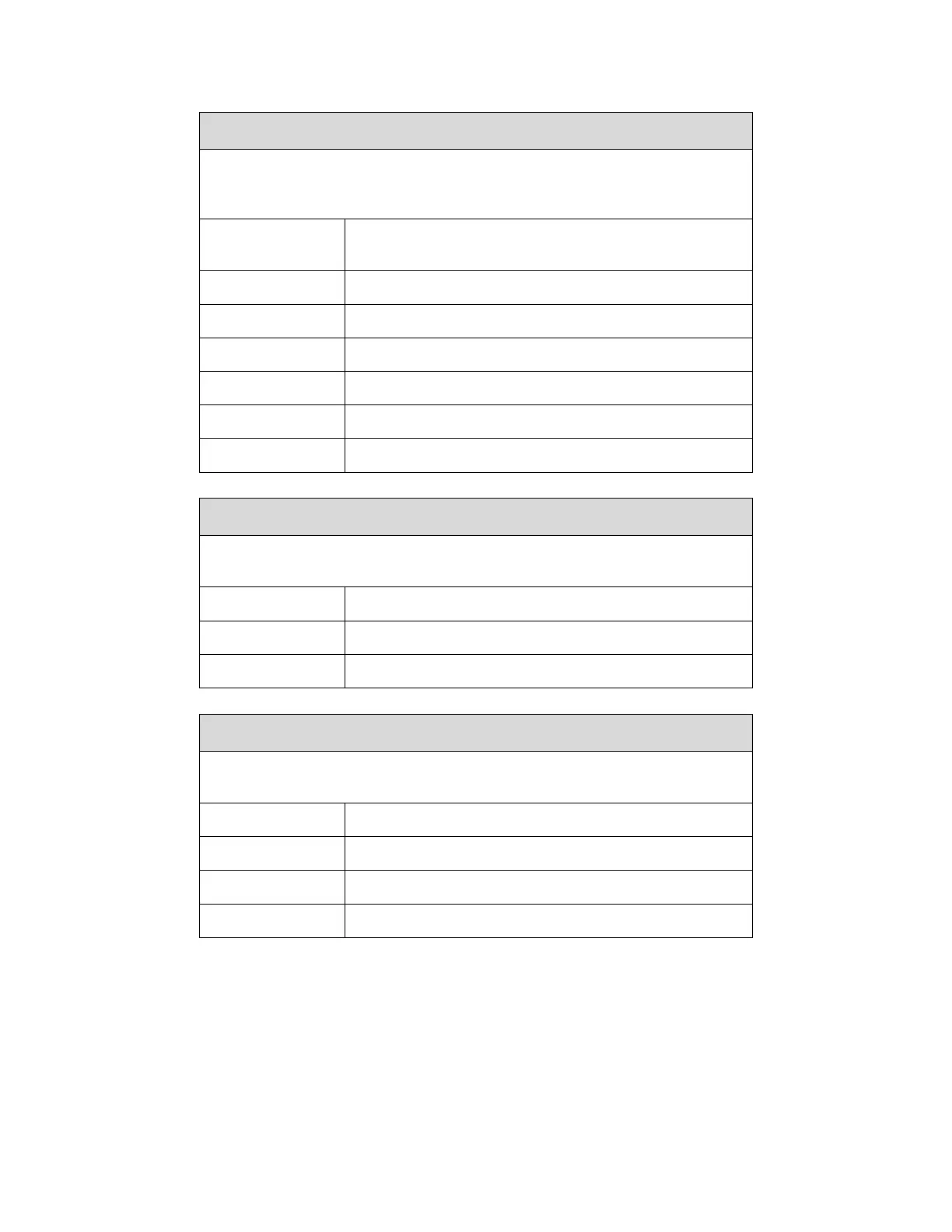
System > Printer Mgmt > Ret. Status Port
This option selects the port for return Status Commands used by the
emulations. For PGL, this is the ~STATUS command, and for ZGL, this is
the ^HS command.
Sends the data through the same port used to
receive the application job.
Status is not sent back to the host.
Ethernet port as set in Status Port Number menu
System > Printer Mgmt > Status Port Number
This menu selects the port number where the printer sends the emulation
status.
System > Printer Mgmt > PNE Port Choice
This menu selects which port the printer expects PNE (PrintNet Enterprise) to
connect to, via Ethernet or USB. The factory default is Ethernet.
PNE communication will be disabled.
Use Ethernet to connect with PNE.
Use USB to connect with PNE.



 To Next Page