BatchRewindMode
53
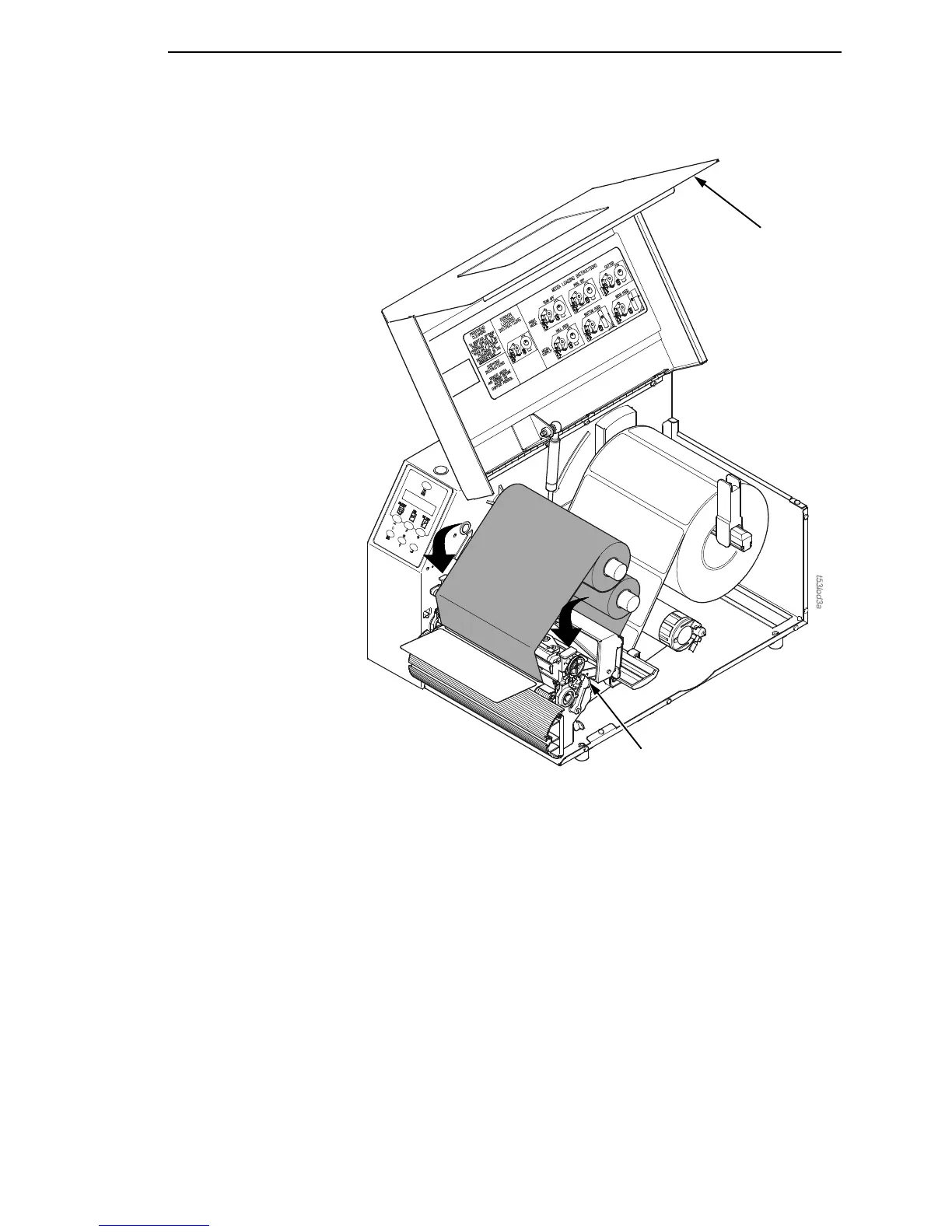
6. Press down on both sides of the pivoting deck and rotate the deck lock
lever counterclockwise against its stop to place the printhead assembly
into the printing position.
7. Press the FEED key to advance the media to the next TOF (Top-of-Form)
position.
8. Press the PAUSE key until “ONLINE” displays.
9. Close the media cover.
IMPORTANT
The rewinder supports a maximum diameter of 5 inches of printed
labels. Exceeding this diameter can cause the printed labels to rub on
the bottom pan.
Deck Lock
Lever
Media Cover














 To Next Page