PRODIGIT 3260A Series Operation Manual 45
BANK
Purpose:
::
:
To set waveform bank.
Command syntax:
::
:BANK{SP}{d}{;|NL} d:0~10
Description:
::
:
This command is to set the waveform bank desired to be selected.
1. waveform bank 0~2 are sine wave.
2. waveform bank 3~8 are P.F..
3. waveform bank 9 are square wave.
4. waveform bank 10 is DC.
5. There are five (5) waveform information for each waveform bank, therefore, there
is a total 55 waveform information for eleven (11) waveform banks. Waveform
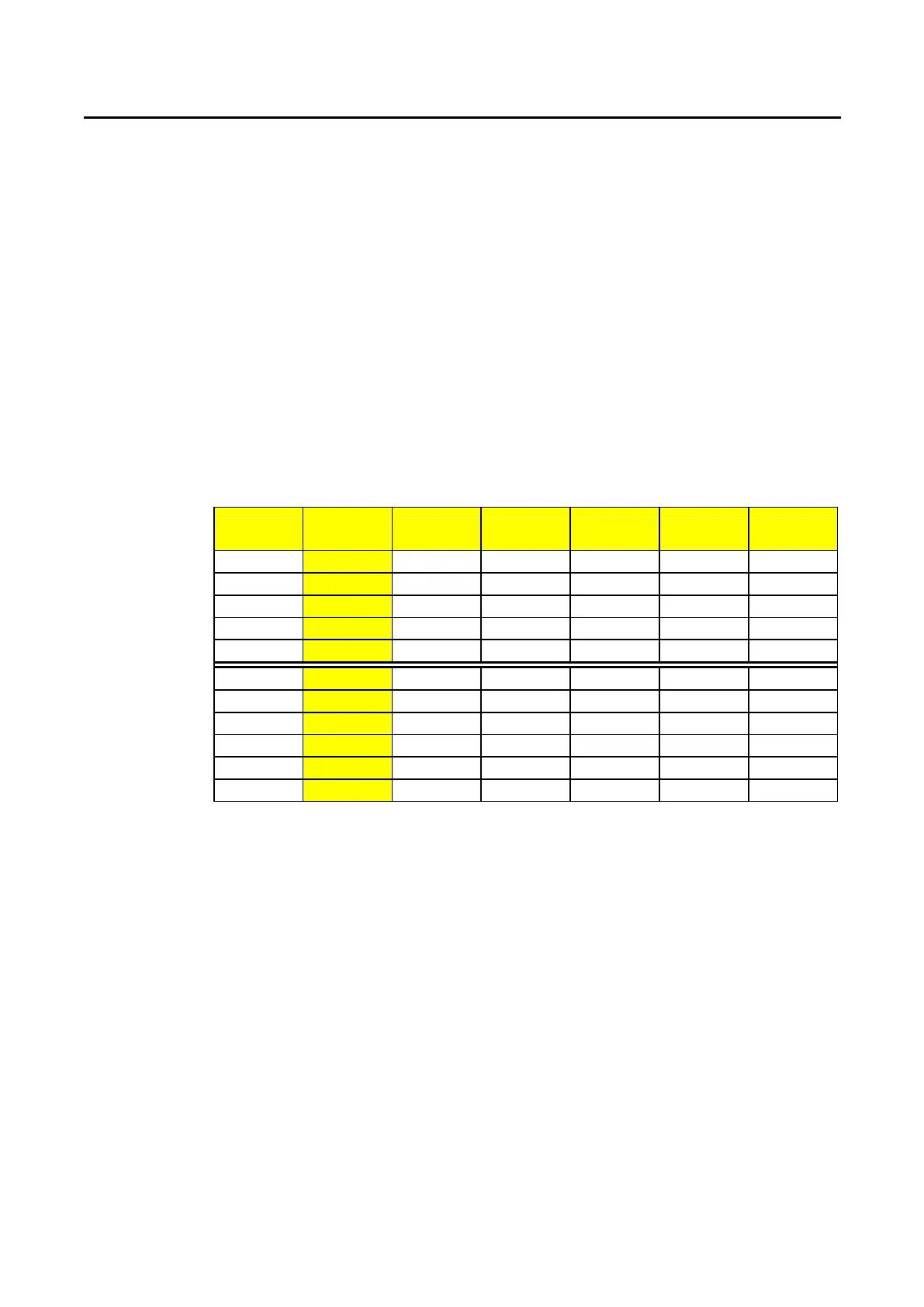
information is shown in Table 4-4.
For Example:
::
:
a. BANK 1 ; To set waveform bank 1.
b. BANK 10 ; To set waveform bank 10.
Wave
From Bank
A B C D E
sine wave
0 √2 2.0 2.5 3.0 3.5
1 1.5 1.6 1.7 1.8 1.9
2 3.0 3.1 3.2 3.3 3.4
C.F.= 2.0
3 P.F.=-0.85
P.F.=-0.80
P.F.=-0.75
P.F.=-0.70
P.F.=-0.65
C.F.= 2.5
4 P.F.=-0.70
P.F.=-0.65
P.F.=-0.60
P.F.=-0.50
P.F.=-0.40
C.F.= 3.5
5 P.F.=-0.50
P.F.=-0.45
P.F.=-0.40
P.F.=-0.35
P.F.=-0.30
C.F.= 2.0
6 P.F.= 0.85
P.F.= 0.80
P.F.= 0.75
P.F.= 0.70
P.F.= 0.65
C.F.= 2.5
7 P.F.= 0.70
P.F.= 0.65
P.F.= 0.60
P.F.= 0.50
P.F.= 0.40
C.F.= 3.5
8 P.F.= 0.50
P.F.= 0.45
P.F.= 0.40
P.F.= 0.35
P.F.= 0.30
square wave
9 1.0 1.1 1.2 1.3 1.4
DC 10 √2dc 2dc 2.5dc 3.0dc 3.5dc
Table 4-4 waveform information
WAVE
Purpose:
::
:
To set waveform.
Command syntax:
::
:WAVE{SP}{m}{;|NL}m:0~4
Description:
::
:
This command is to set the current C.F. at CC MODE (Peak Value Factor).
This command works only at CC MODE. When BANK varies, these 5 sets of C.F. will
at the same time define different C.F. as shown in Table 4-4. For details, please refer
to 3260A Operation Manual.
For Example:
::
:
a.WAVE 1 ; To set 2nd set C.F.
b.WAVE 4 ; To set 5th set C.F.


 To Next Page