PRODIGIT 3260A Series Operation Manual 21
3-3 AUTO SEQUENCE testing function description
There are two modes in AUTO SEQUENCE function, EDIT MODE and TEST MODE, The
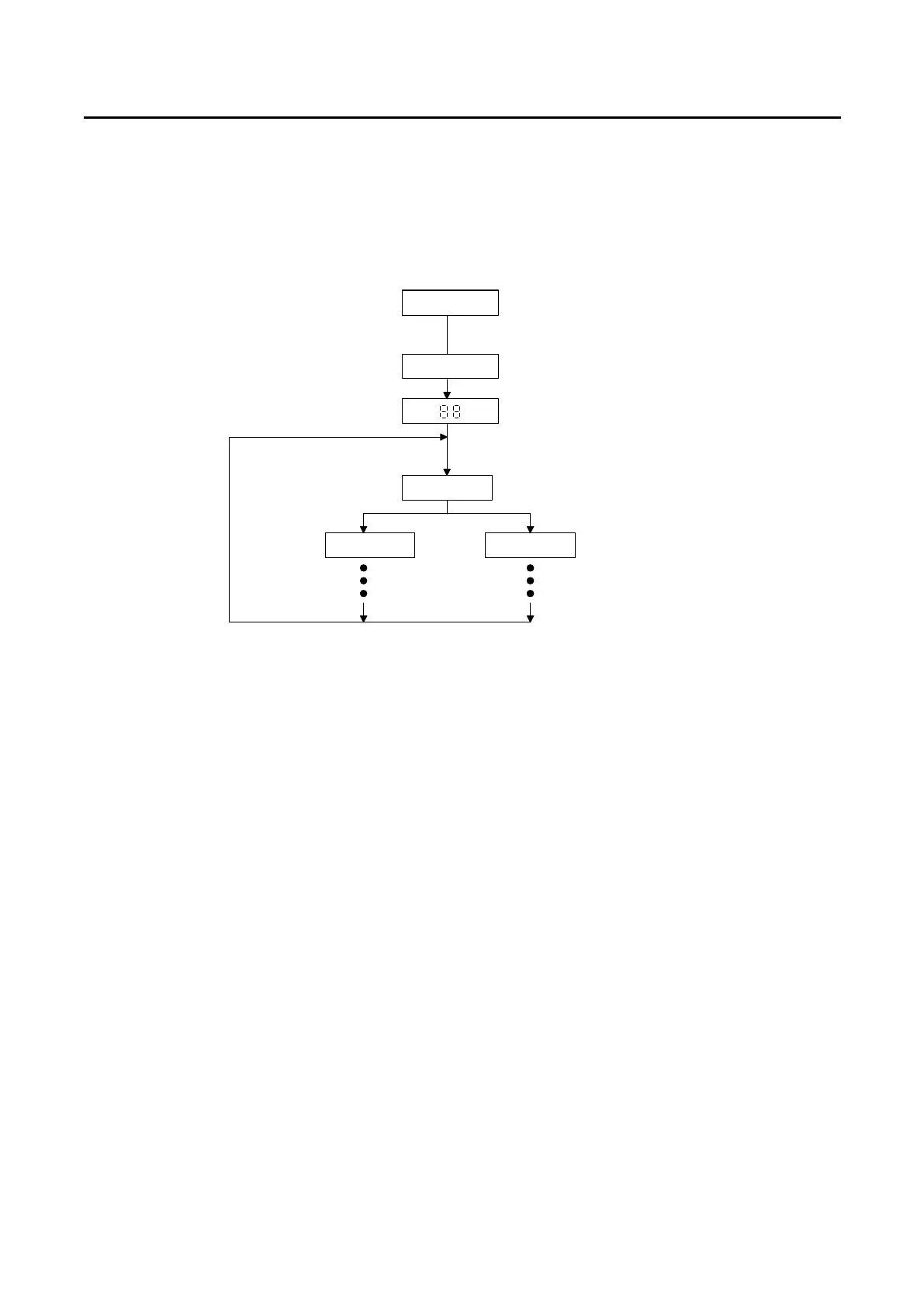
AUTO SEQ mode can be entered by press S3 + S4 key simultaneously, then press STORE
key again to enter the EDIT MODE, or press START key to enter the TEST MODE, Please
refer to the flow chart operation below:
Normal Mode
AUTO SEQ.
Press S3+S4 key
Display bank no.
bn
Show r1-r9
Display 3260
Serie high ower electronic
Firmware version r1-r9
Display bank
STATE MODE
STORE MODE
Press STATE key
Press STORE key
Show n1~n9
Fig.3-3 AUTO SEQ function operation flow chart
3.3.1 EDIT MODE
The TEST Mode of Auto-Sequence function is entered by press S3 + S4 key
simultaneously, The EDIT mode of Auto Sequence function is entered by press S3 +
S4 key simultaneously, the S3 and S4 LED are ON to indicate Auto-sequence mode,
then the Edit mode of Auto-sequence function is proceed by press STORE key.
The EDIT MODE flow chart is described below:
3.3.1.1 There are nine Auto Sequence (n1-n9) can be edit within 3260A Series
3.3.1.2 Each Auto Sequence has up to 16 Test step, where each step is any one
memory of 5 sets Store memory
3.3.1.3 Each test step has t1 (test time) and t2 (delay time), the unit is 100mS, the
range is 0.1S - 9.9S in 100mS resolution. 3260A series load mainframe will
check each module GO/NG at the end of t1 (test time), the next step will be
started after duration t2 (delay time).
3.3.1.4 The test step sequence can be up to 16 step, and can be terminated by
press EXIT key if less than 16 step is required.



 To Next Page